Overview
🎅 Santa Claus Tracker – Follow Santa’s Magical Journey to Christmas!
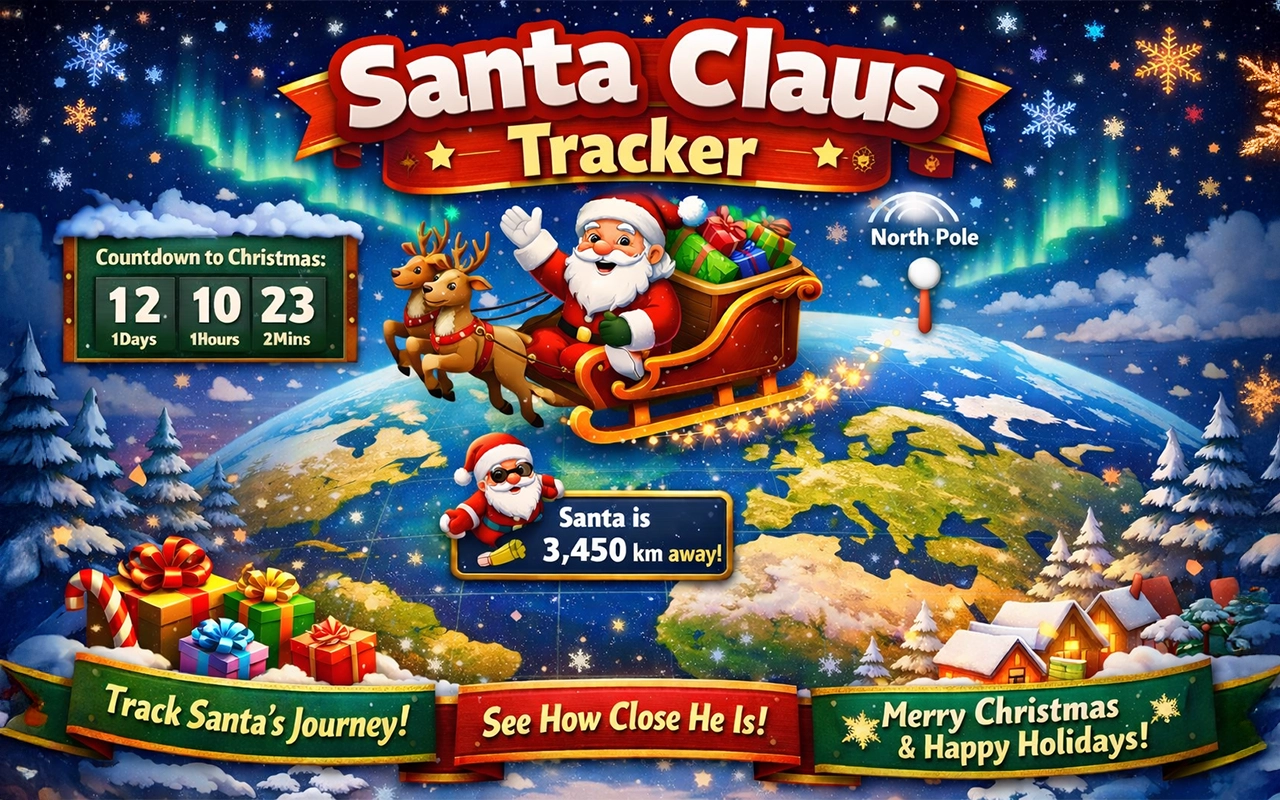
The Santa Claus Tracker is a fun and festive Chrome extension that lets you track Santa Claus as he travels from the North Pole toward your location. Designed for families, kids, and Christmas lovers of all ages, this extension brings the magic of the holidays right into your browser.
Using a beautifully designed world map, the Santa Claus Tracker shows how far Santa is from you, counts down the days until Christmas, and updates Santa’s position as Christmas Day approaches. The closer it gets to December 25th, the closer Santa appears on the map, making every day feel a little more magical.
✨ What you can do with Santa Claus Tracker:
- Track Santa Claus on a world map starting from the North Pole
- See how far Santa is from your location in real time
- Enjoy a live countdown to Christmas Day
- Watch Santa move closer as Christmas approaches
- Toggle festive snowfall for extra holiday cheer
- Use your location or manually set it for privacy-friendly tracking
This extension is inspired by the joy of classic Santa tracking experiences and works as a Santa tracker for Google Chrome that’s lightweight, fast, and easy to use. No accounts, no sign-ups — just pure Christmas fun.
Whether you’re counting down the days with your kids, adding some holiday spirit to your browser, or simply enjoying a festive seasonal tool, Santa Claus Tracker is the perfect companion for the holidays.
🎄 Merry Christmas and Happy Holidays!
Let Santa guide you all the way to Christmas Day.
Details & Installation
Click Here to view this extension in the Web Store . Once there, click on Add to Chrome.
How to Remove
Go to chrome://extensions → Click Remove.