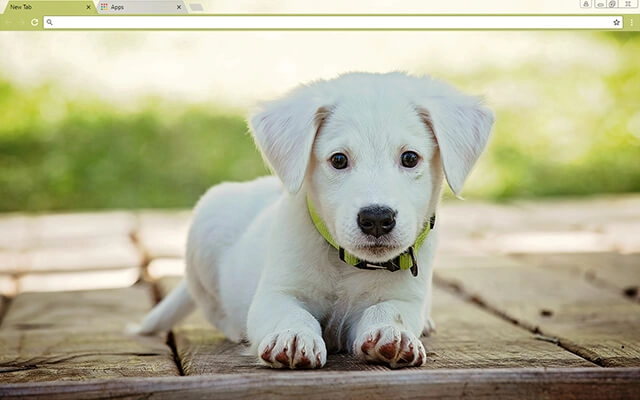
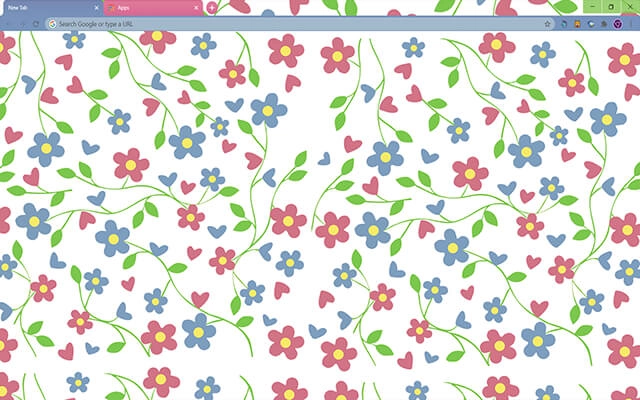
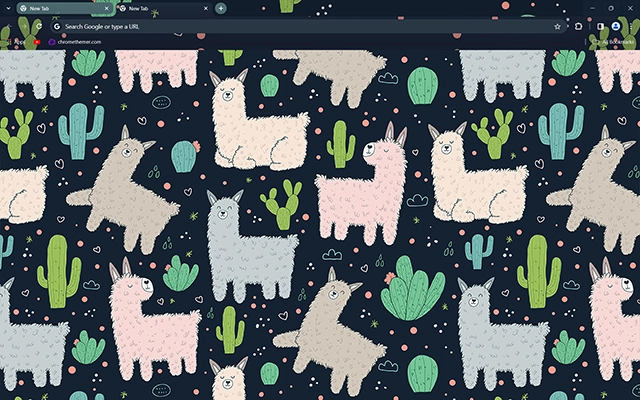
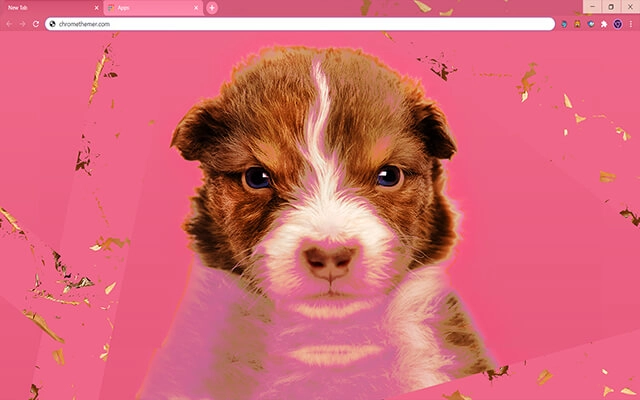
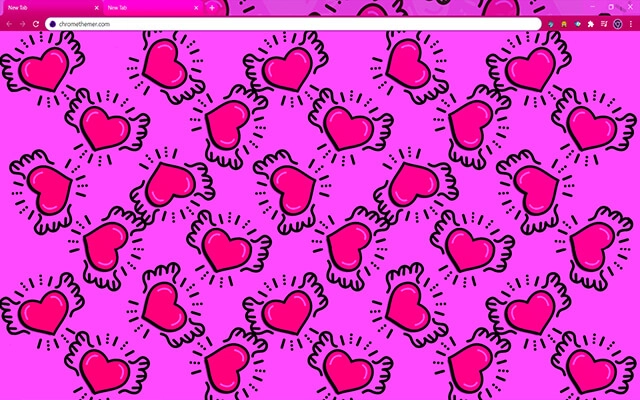
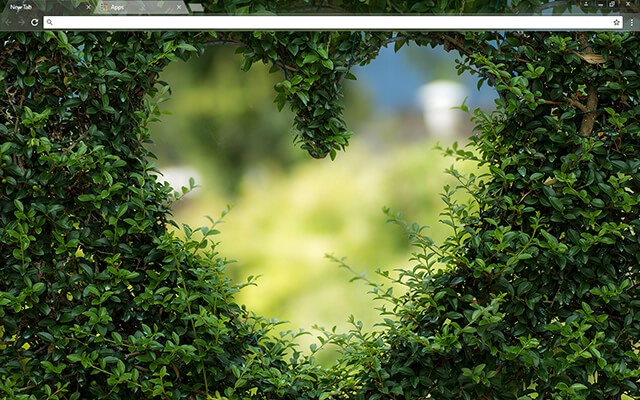
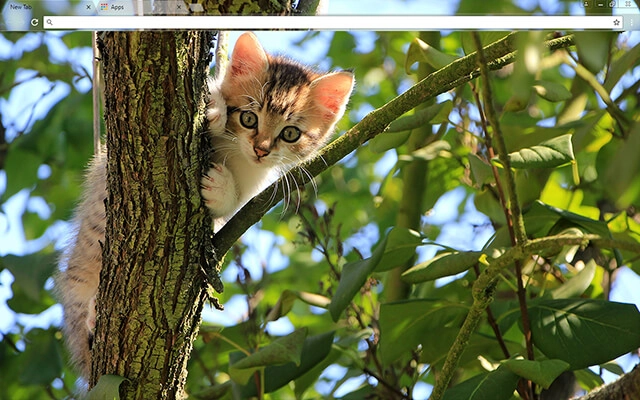
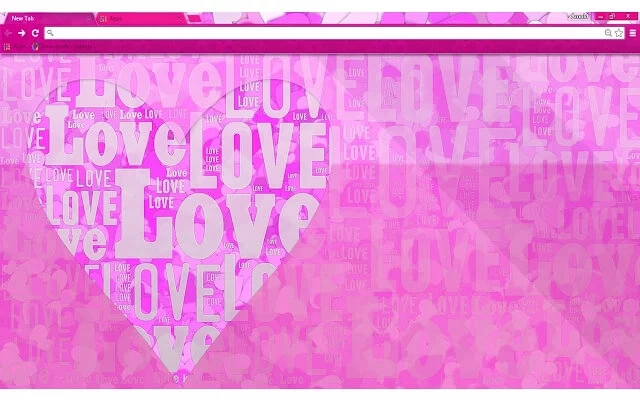
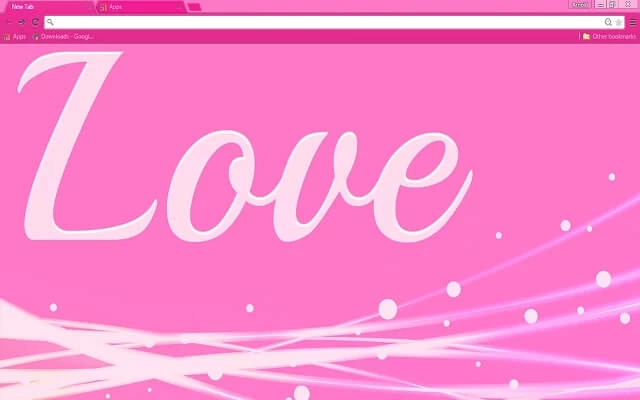
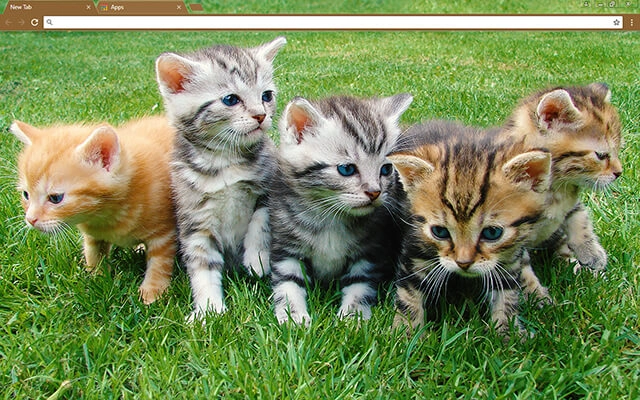
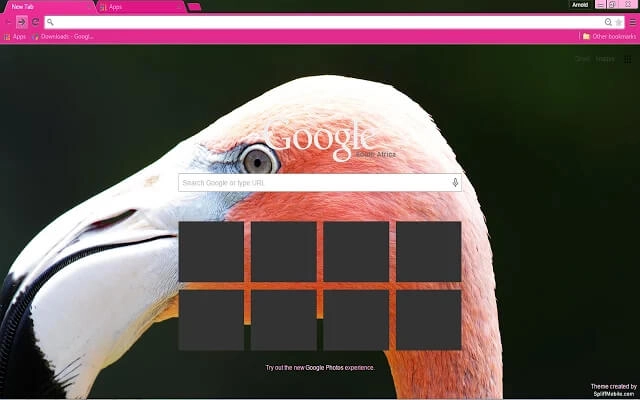
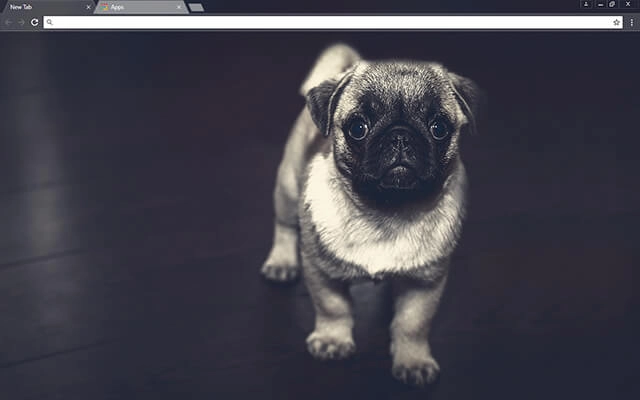
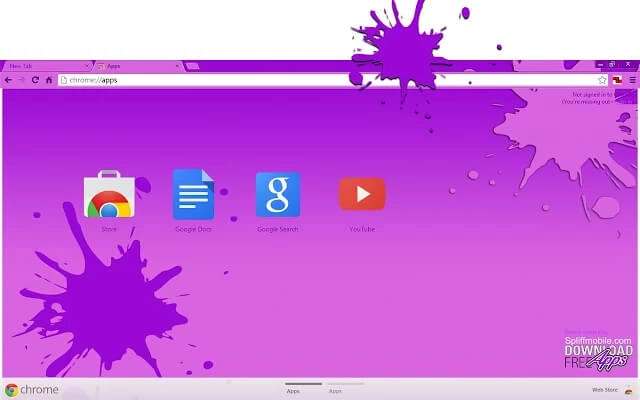
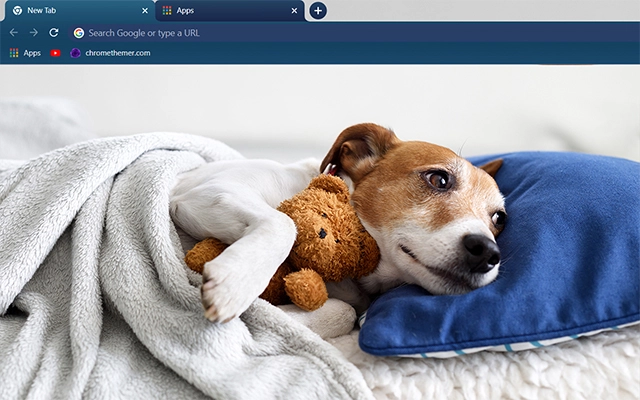
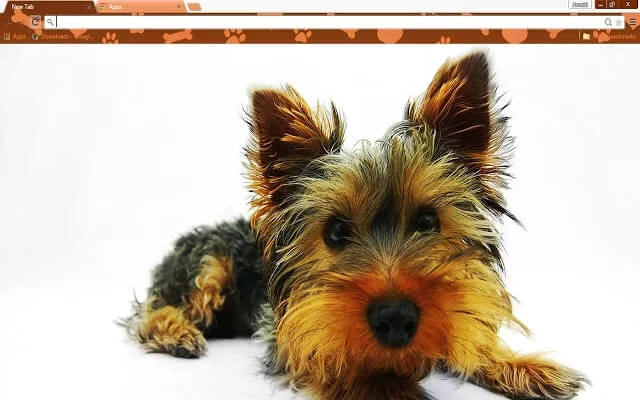
Cute Chrome themes add personality, warmth, and playful charm to your browser. From soft pastel colors and adorable illustrations to whimsical patterns and lighthearted designs, these free cute Chrome themes are perfect for creating a cheerful browsing experience. Browse the collection below and find a theme that makes your Google Chrome feel uniquely yours.
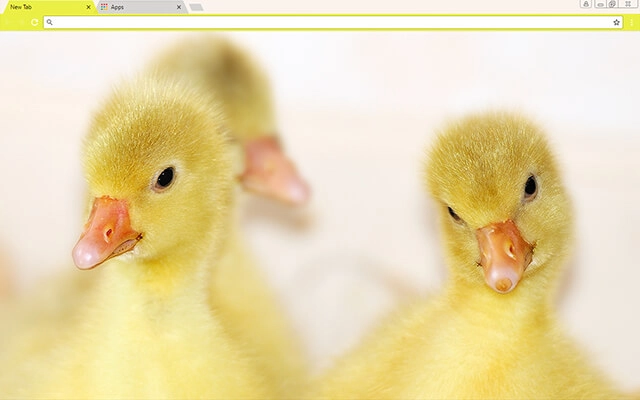
Most people searching for google themes free just want a safe, quick way to change Chrome’s look. Start with Popular or Top Rated, or jump into categories.
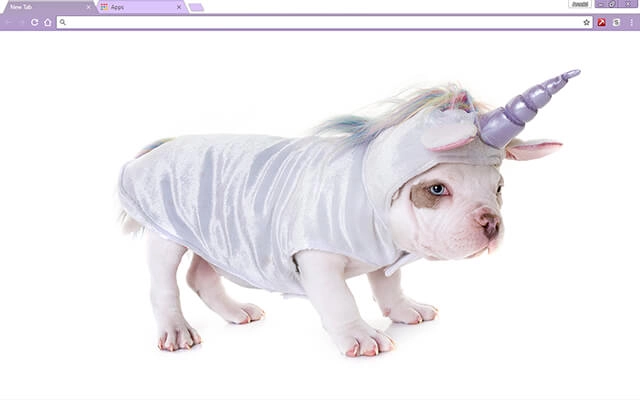
Tip: The Chrome Web Store is the safest “download” — no sketchy files, and it’s reversible anytime.
Everything you need to know about cute, pastel, and kawaii-style Chrome themes.
Cute Chrome themes use soft colors, pastel palettes, playful patterns, and adorable artwork to personalize Chrome’s interface. Many include light pink, lavender, sky blue, or kawaii-inspired character designs.
Cute themes focus on playful and adorable visuals. Aesthetic themes are broader and may include minimalist, artistic, or trendy designs. If you prefer a softer but more curated look, browse Aesthetic Chrome Themes.
Most pastel themes are designed to keep tab text readable. For best clarity, choose themes where the tab bar contrasts clearly with the background image.
Yes. Some cute themes combine playful artwork with darker palettes for better contrast. If you prefer low-light browsing, you may also like Dark Chrome Themes.
Most themes featured here are free to install from the Chrome Web Store, though availability depends on each theme creator.
Click a theme card, open its Chrome Web Store page, and press Add to Chrome. Chrome applies the theme instantly.
Yes. Go to Chrome Settings → Appearance → Theme and choose Reset to default or select a new theme at any time.
Tip: If you keep many tabs open, choose cute themes with a slightly darker tab bar so the text remains easy to read.