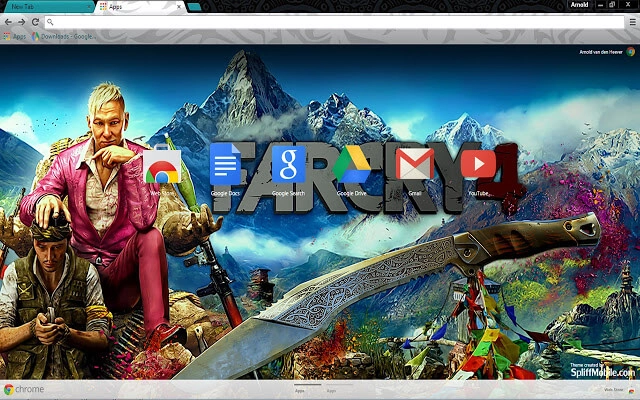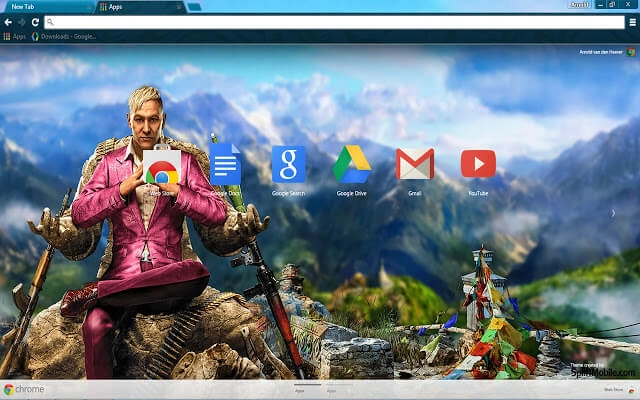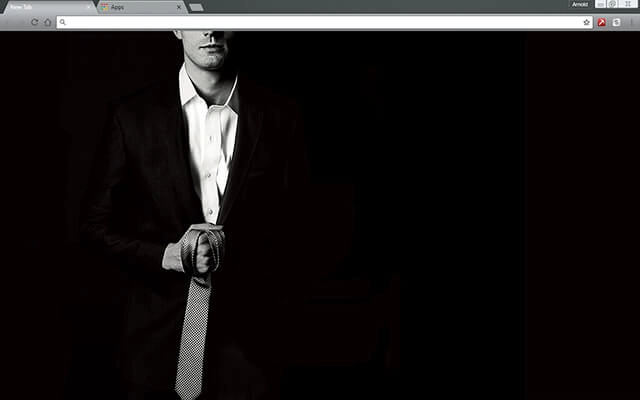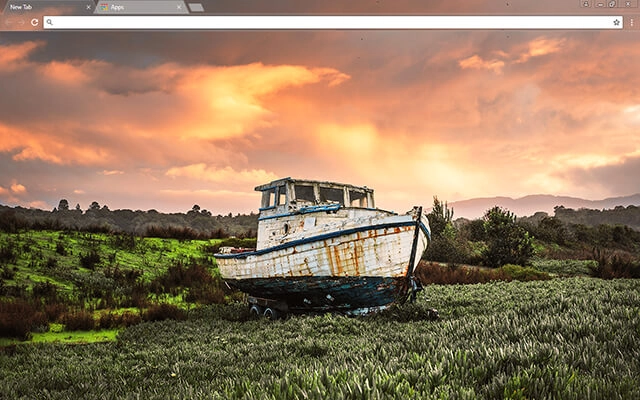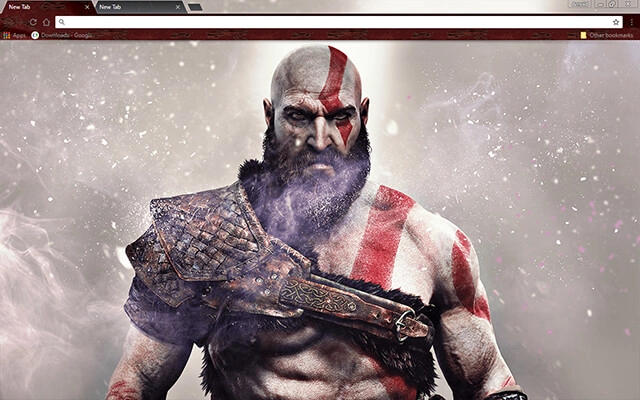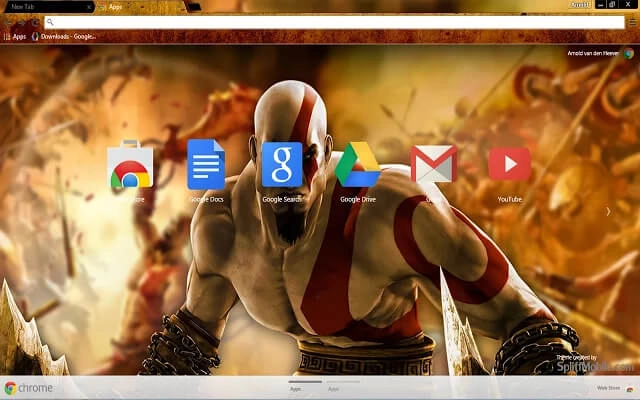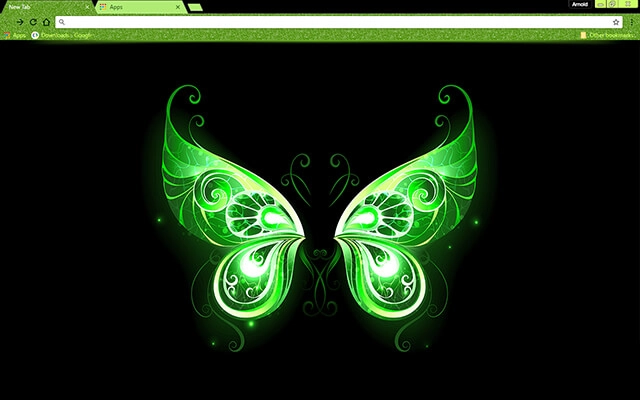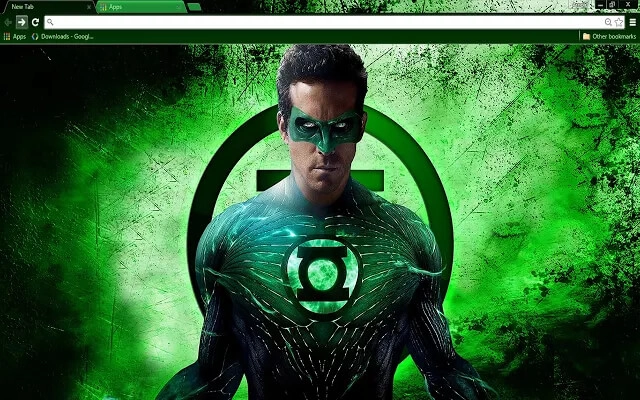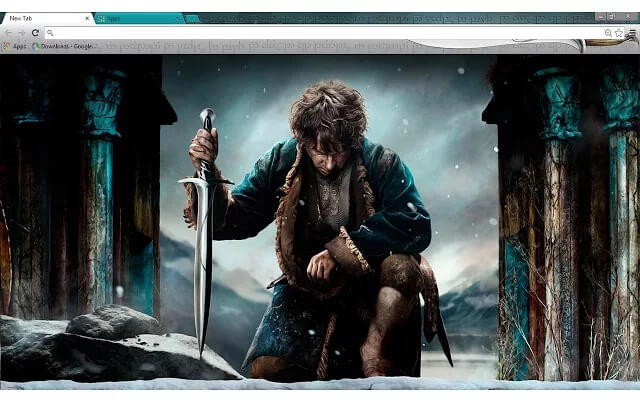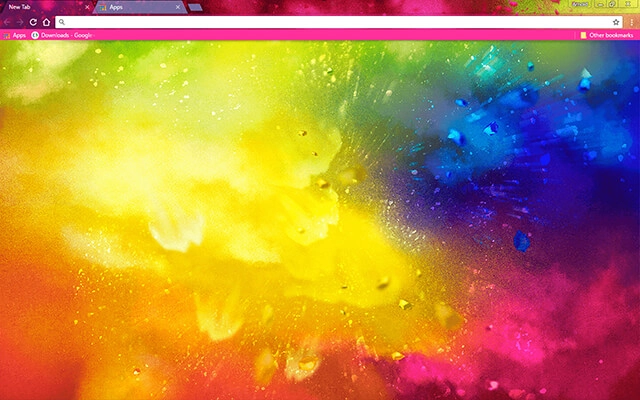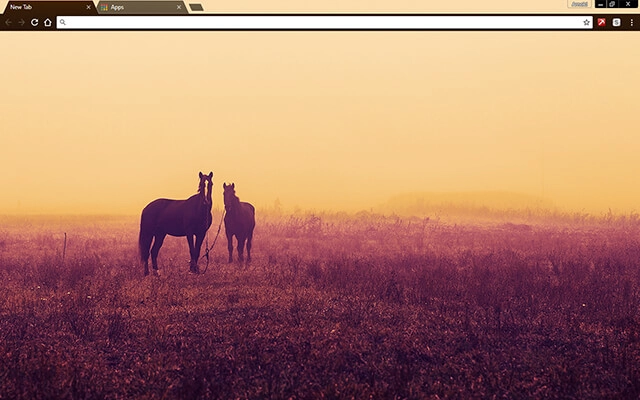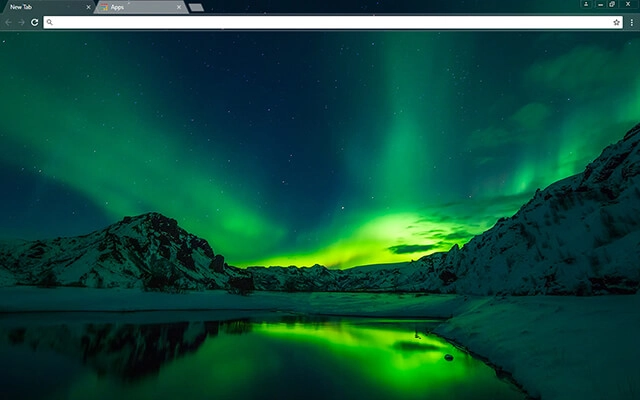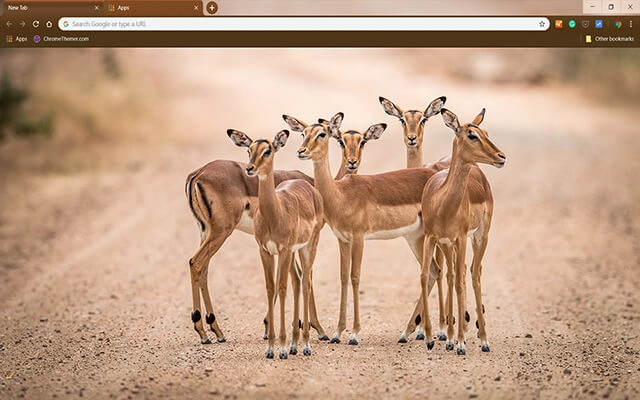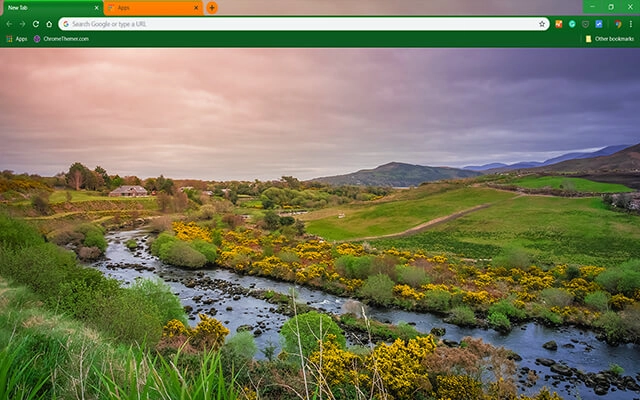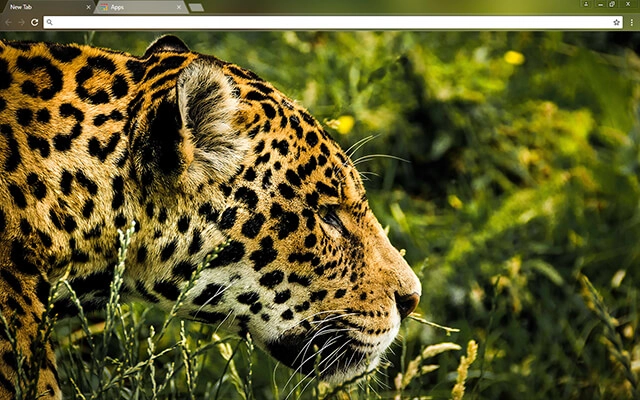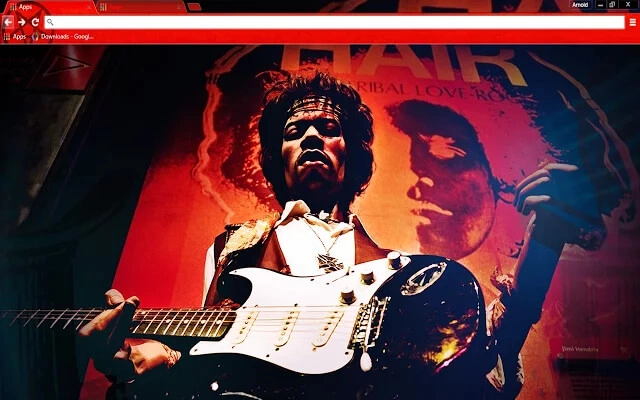
NEW Explore these themes inside a complete browser workspace on BrowserWorkTools. See Theme Workspace →

Dark Chrome Themes for Google Chrome

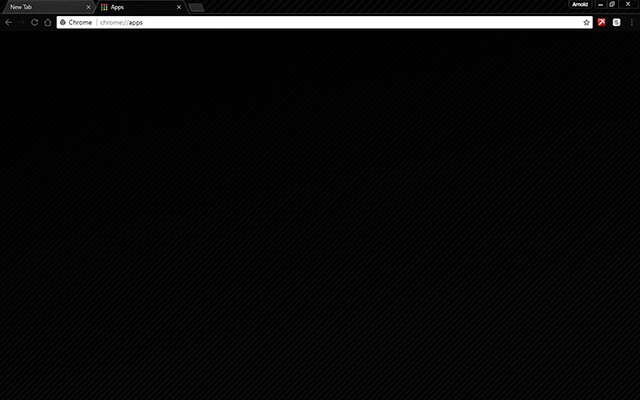
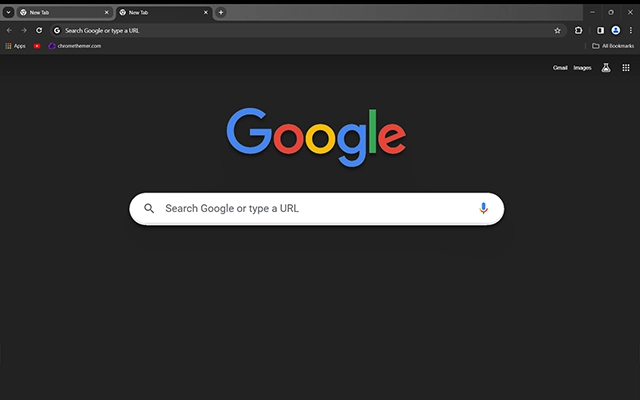
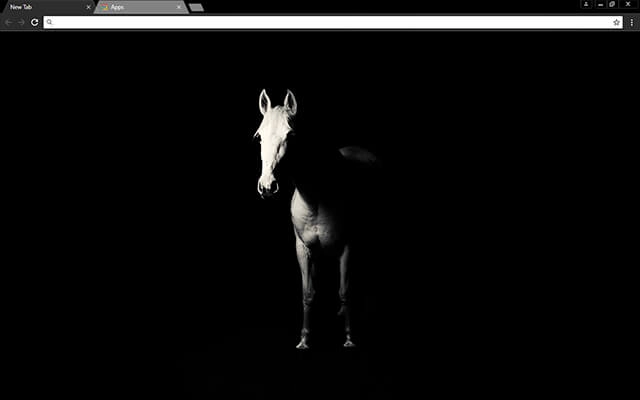
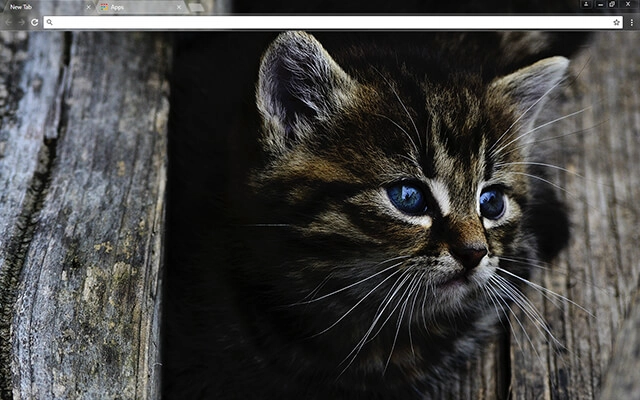
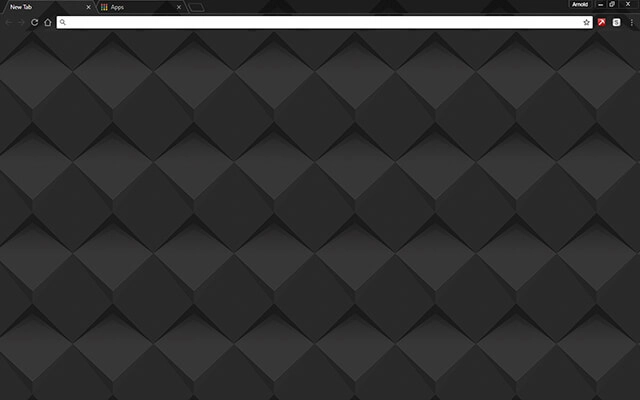
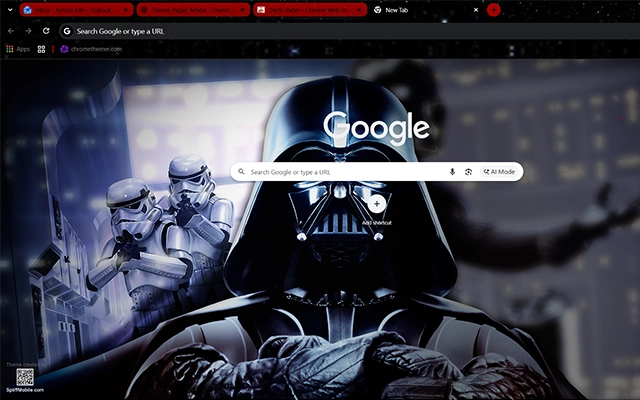
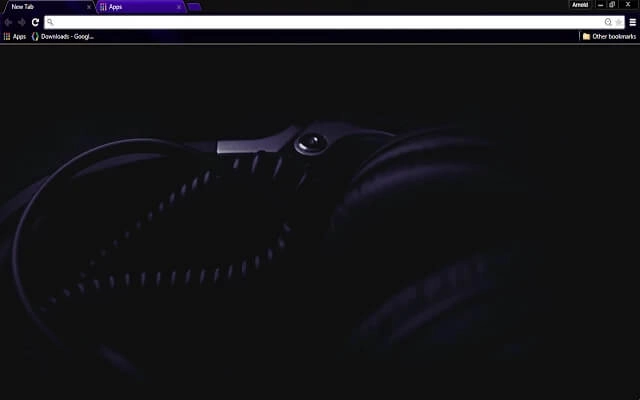
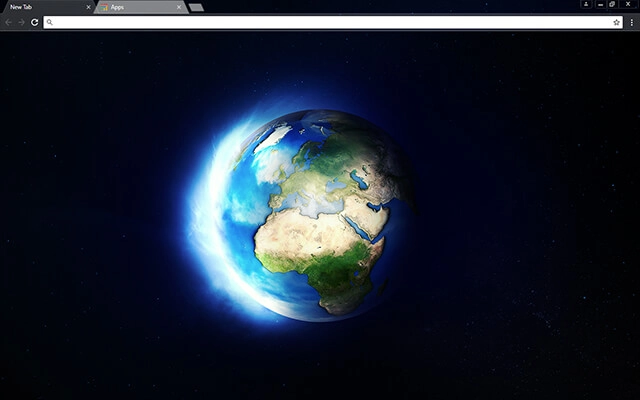
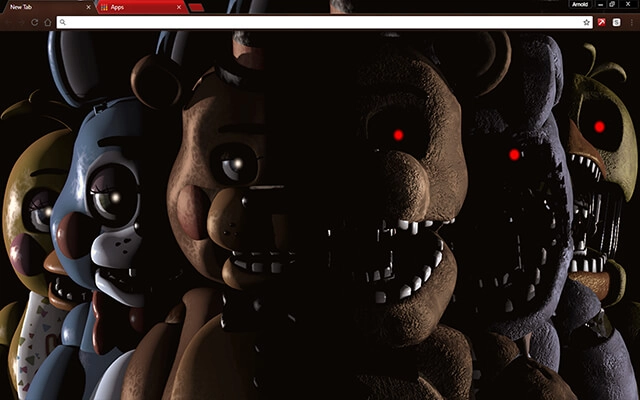
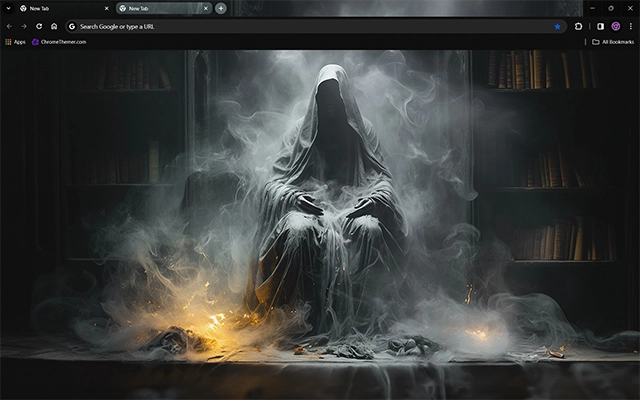
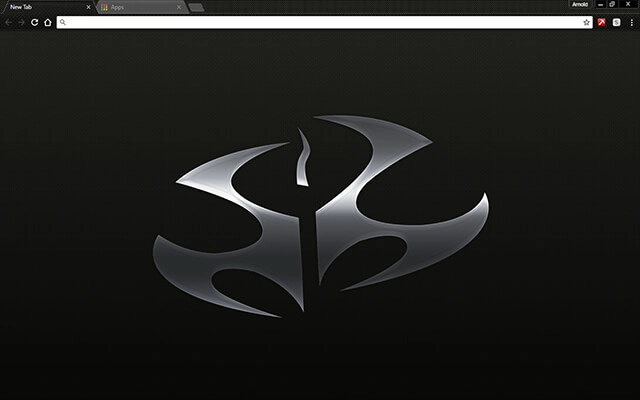
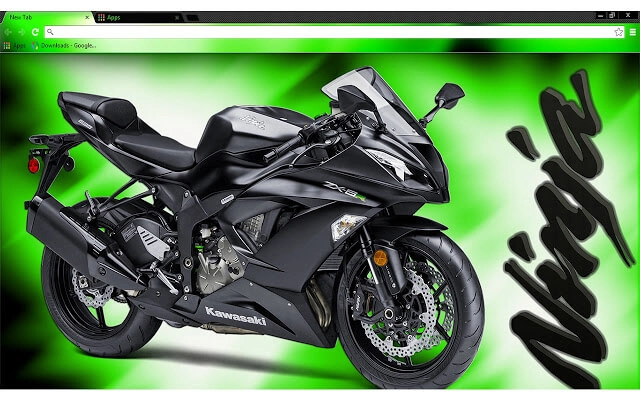
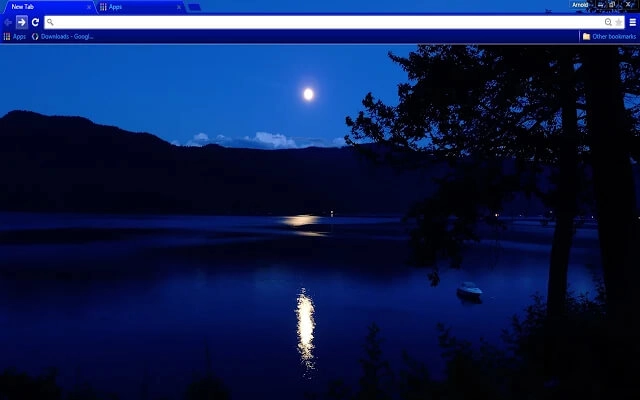
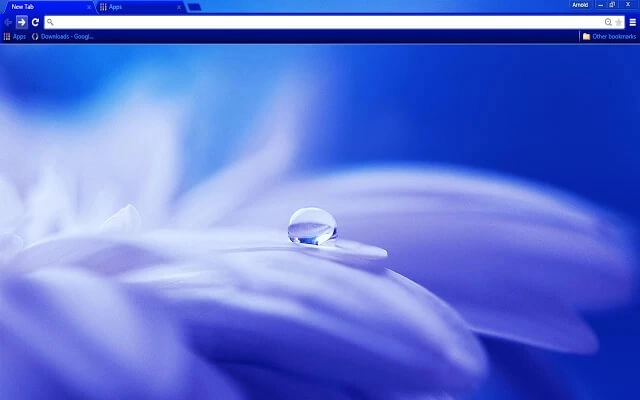
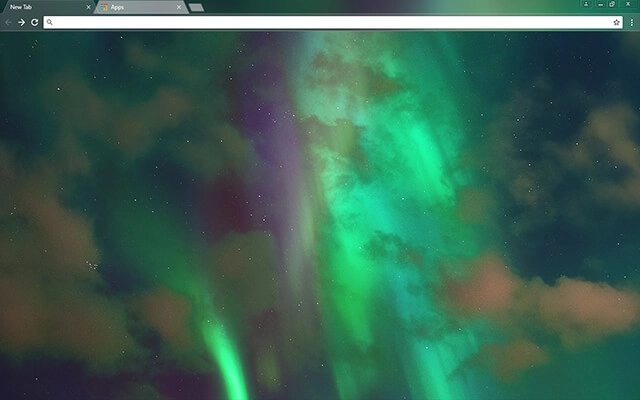
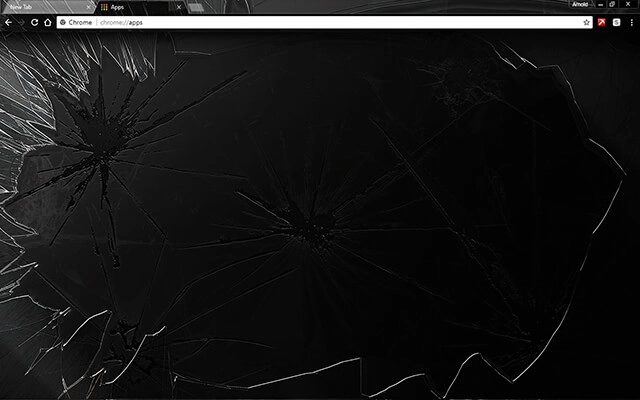
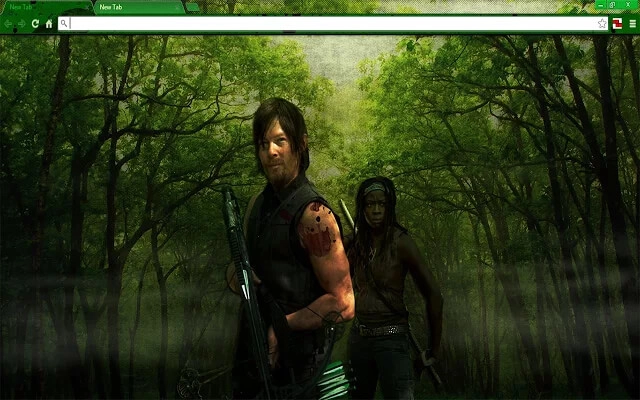
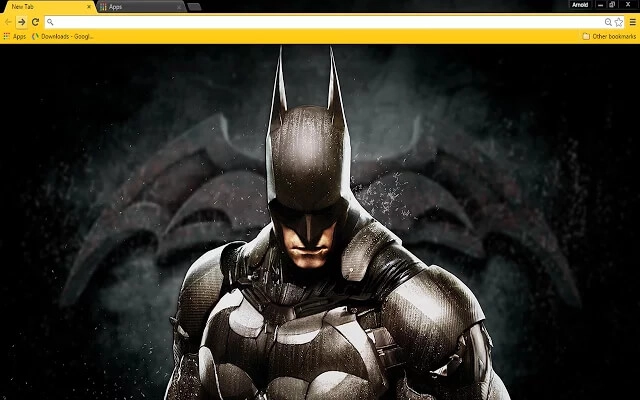
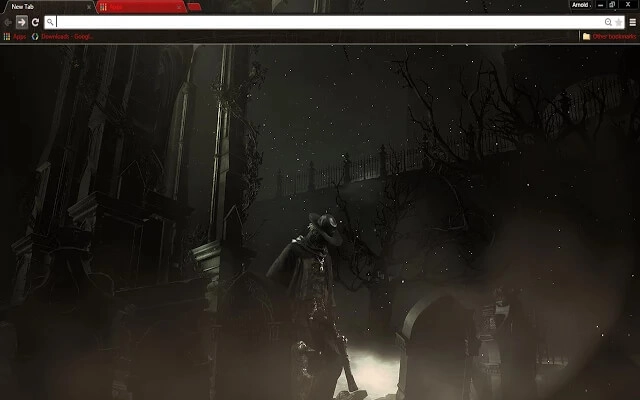
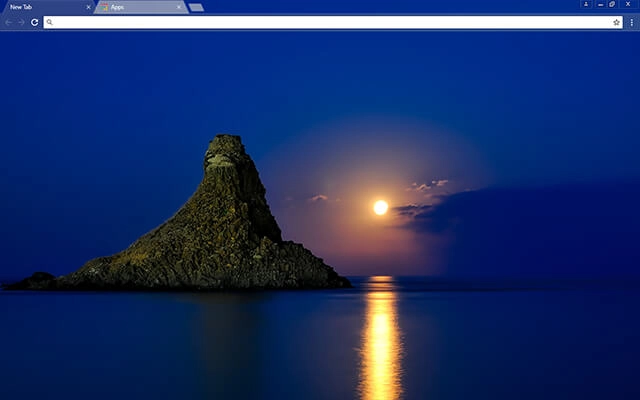
Dark Chrome themes give your browser a bold, modern look while reducing visual strain during long browsing sessions. Whether you prefer deep black tones, soft charcoal greys, or subtle night-mode gradients, these free dark Chrome themes are designed for comfort, focus, and style. Browse the collection below and find the perfect dark theme to match your workflow and aesthetic.
Find a theme fast

Most people searching for google themes free just want a safe, quick way to change Chrome’s look. Start with Popular or Top Rated, or jump into categories.

Also searched as: “google themes free” · “themes google chrome” · “custom google background” · “tema google” · “thème google chrome”

Apply a theme in 30 seconds

  1. 1 Pick a theme card
  2. 2 Open its Web Store page
  3. 3 Click “Add to Chrome”

Tip: The Chrome Web Store is the safest “download” — no sketchy files, and it’s reversible anytime.

Dark Chrome Themes FAQ

Quick answers about dark Chrome themes: what they change, how to install them, and how to reset anytime.

What are dark Chrome themes?

Dark Chrome themes change the look of Chrome’s interface (tabs, toolbar, frame colors, and sometimes the New Tab background) using darker palettes like charcoal, deep gray, and night-mode gradients.

Are dark Chrome themes safe to use?

Yes. Themes are visual-only and don’t run background scripts or read your browsing data the way extensions can. Sticking to Chrome Web Store themes is the safest option.

Do dark themes make Chrome faster?

Not usually. Themes are lightweight and mainly affect appearance, so performance changes are typically minimal.

How do I install a dark Chrome theme?

Click a theme card, open the theme’s Chrome Web Store page, and press Add to Chrome. Chrome applies it instantly.

How do I remove or reset a theme?

Go to Chrome Settings → Appearance → Theme and choose Reset to default. You can also switch to another theme at any time.

What’s the difference between “Dark” and “Black” themes?

Dark themes can include charcoal, gray, muted gradients, and softer night palettes. Black themes usually push deeper blacks and higher contrast for a bolder look.

Will a dark theme also darken websites?

No. Themes mostly affect Chrome’s interface. To darken websites themselves, you’d use a site’s built-in dark mode or a dedicated “dark mode” extension.

Tip: If you like darker browsing but want a softer vibe, try a “dark gradient” theme — it’s easier on the eyes than pure black.

bolt