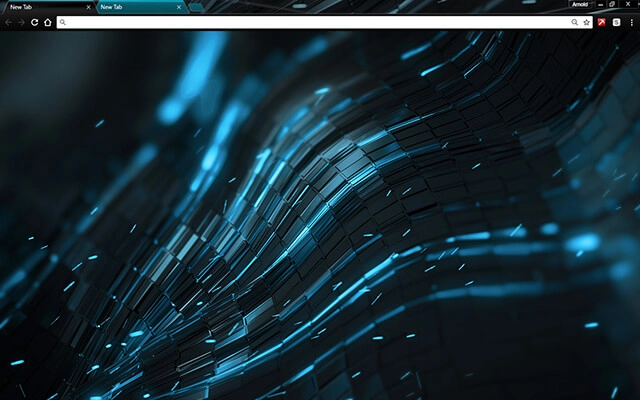
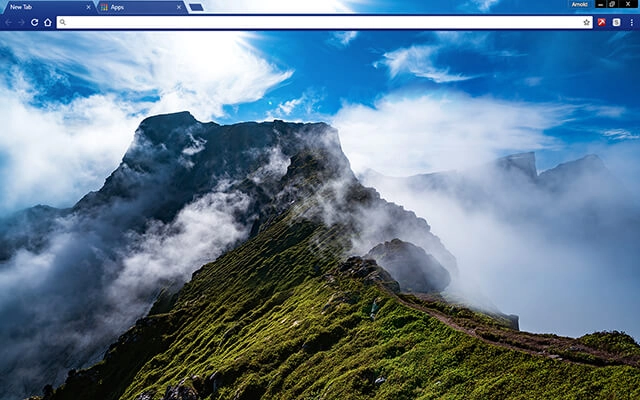
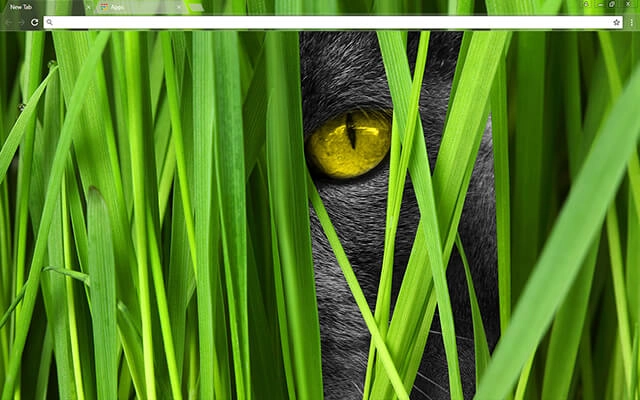
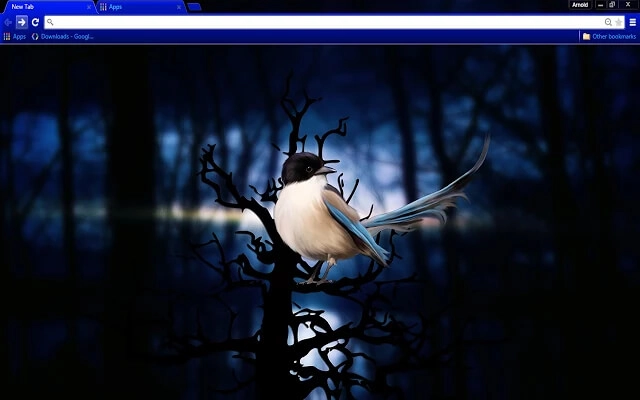
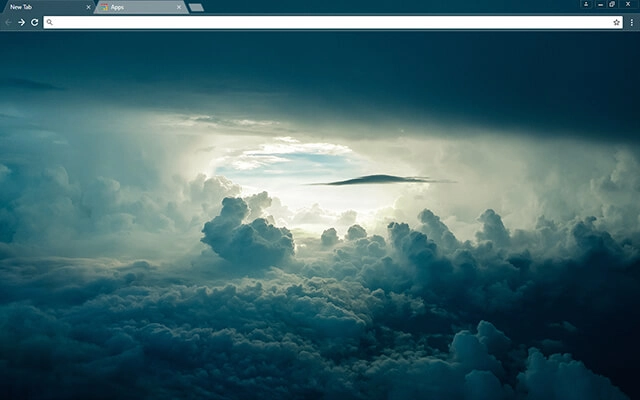
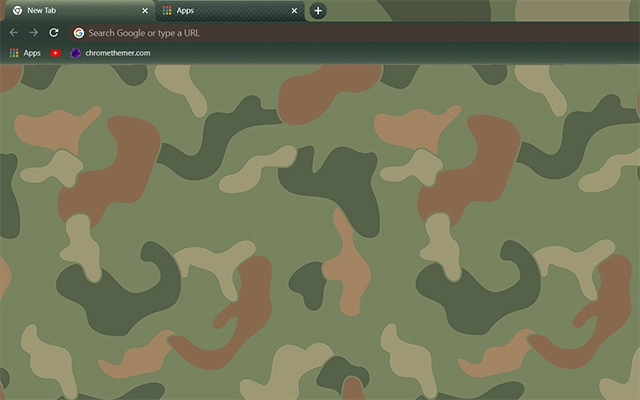
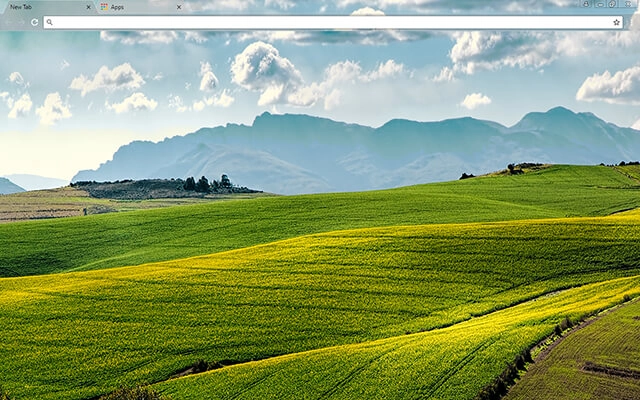
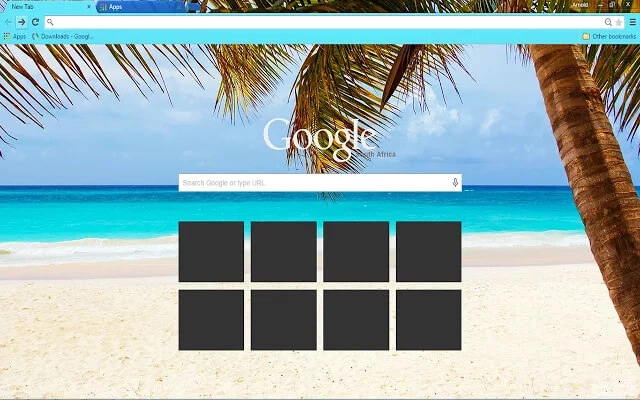
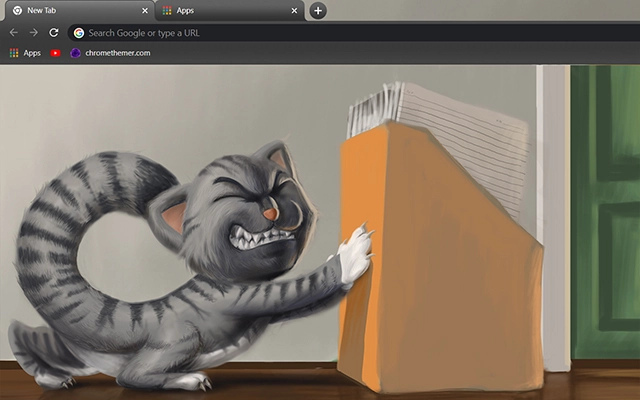
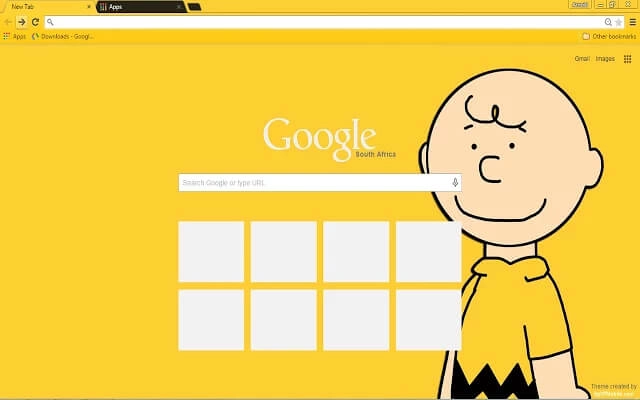
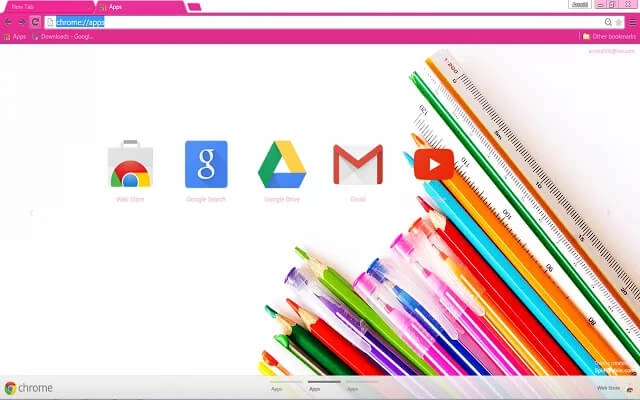
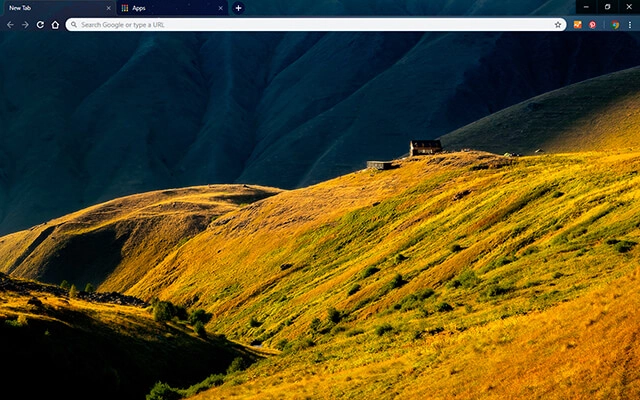
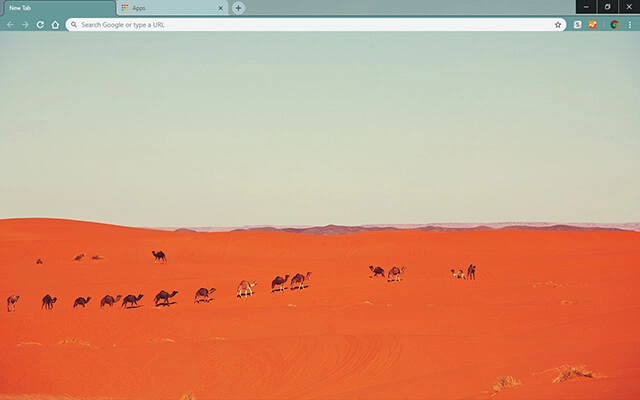
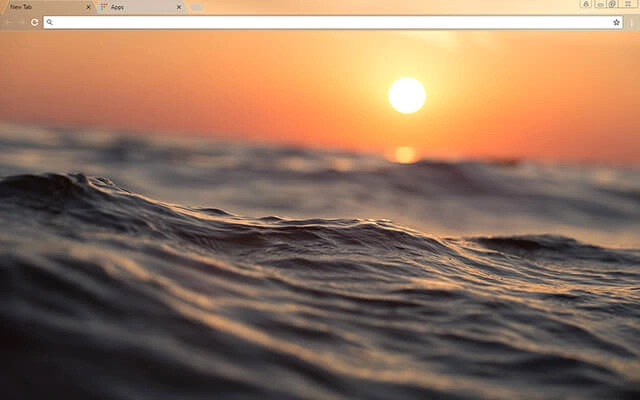
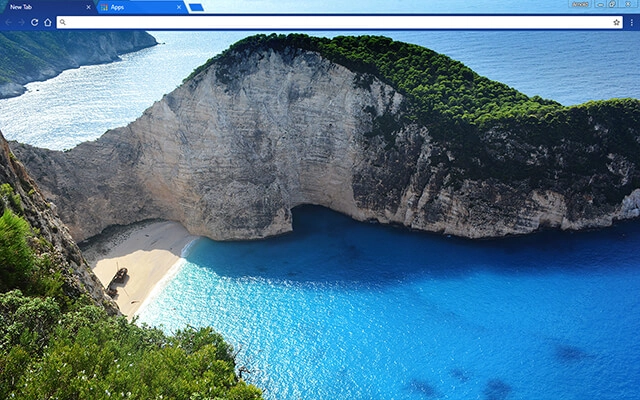
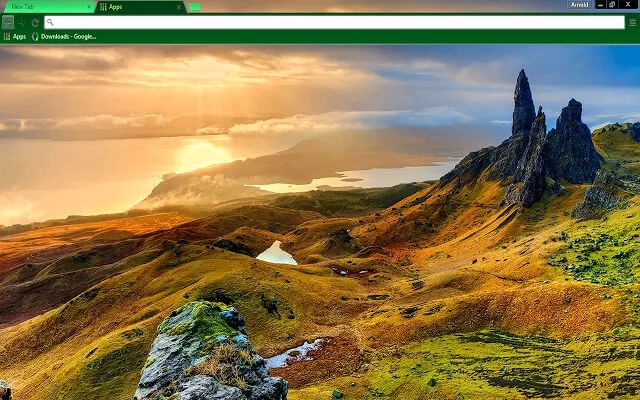
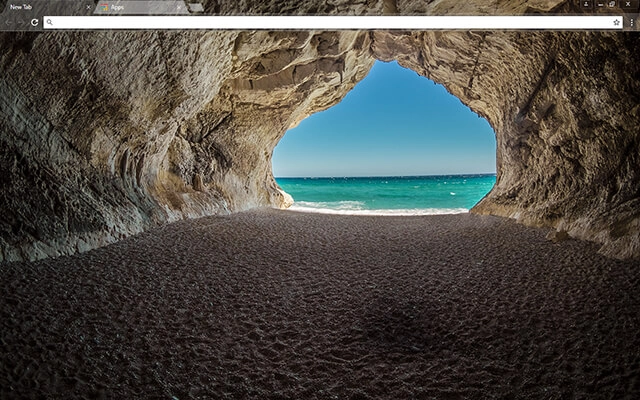
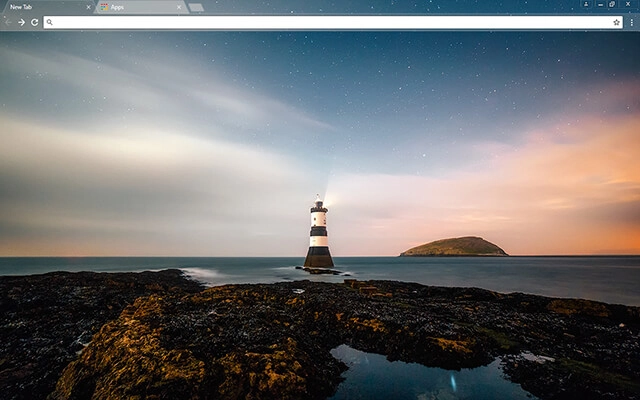
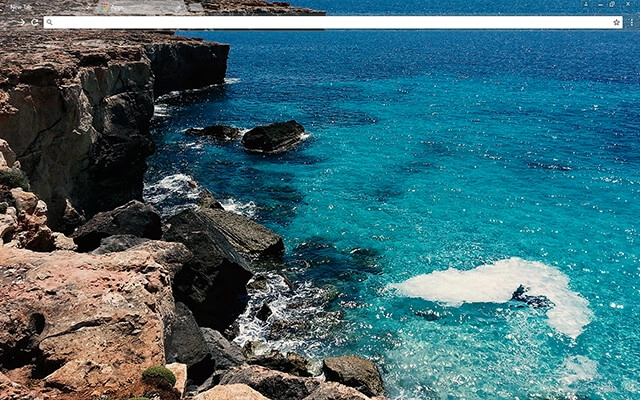
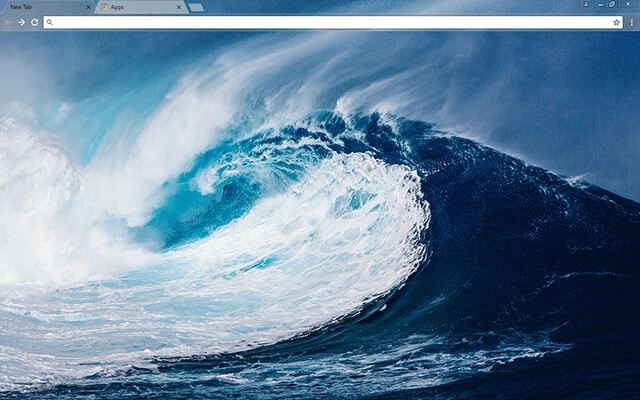
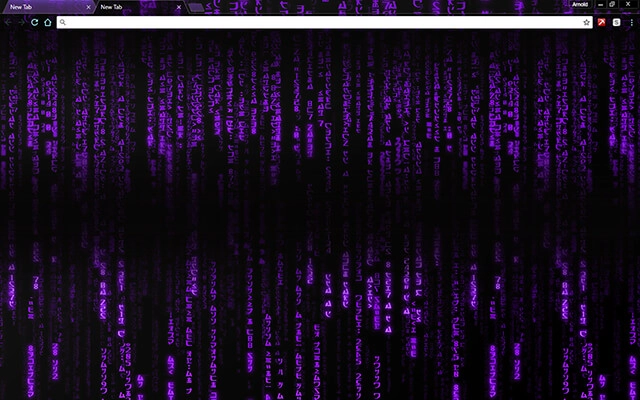
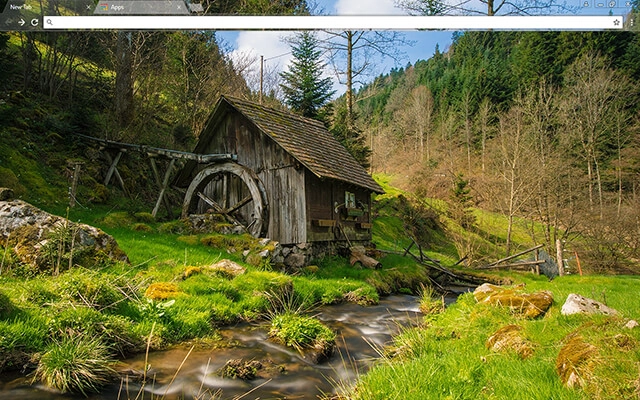
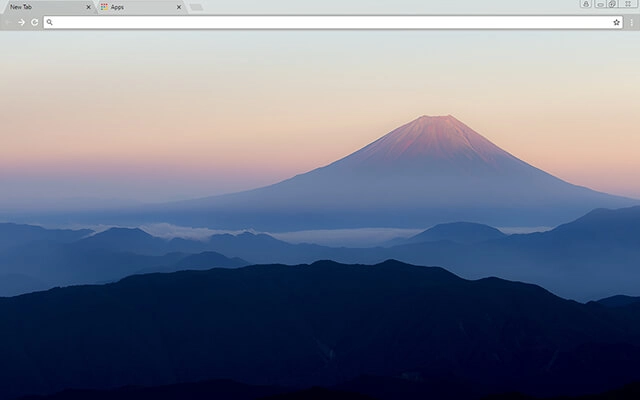
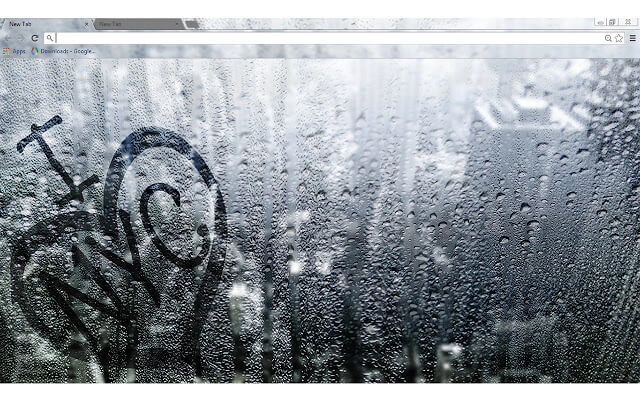
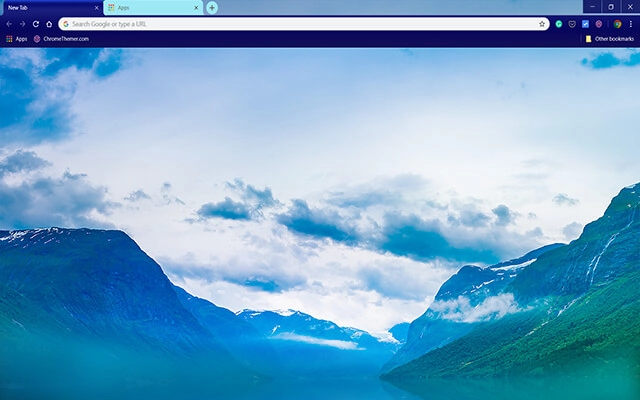
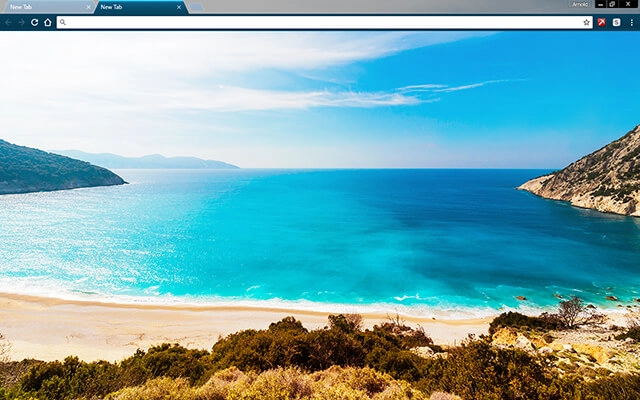
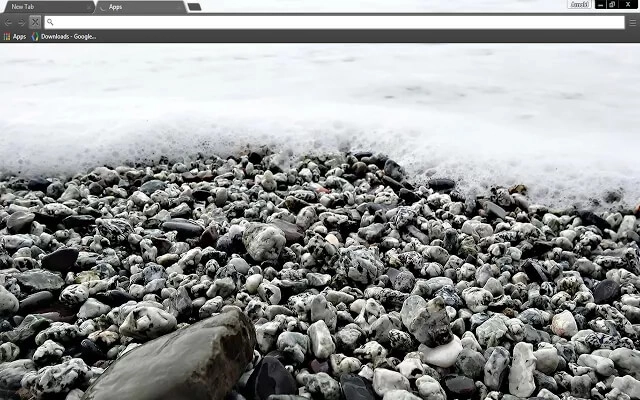
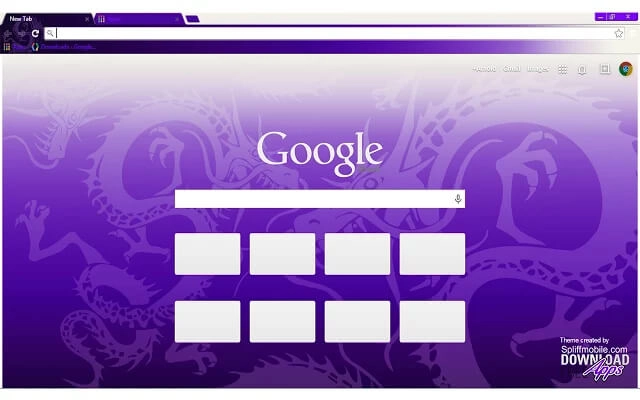
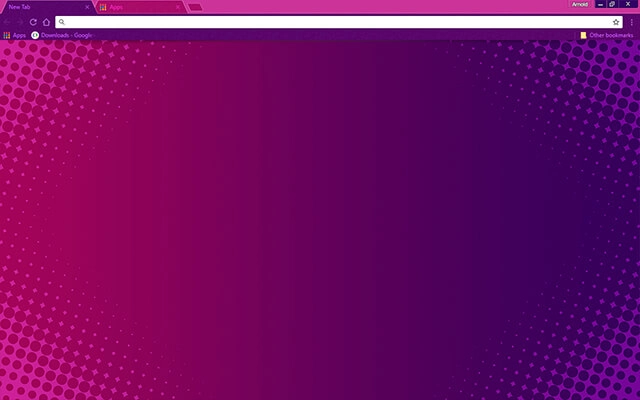
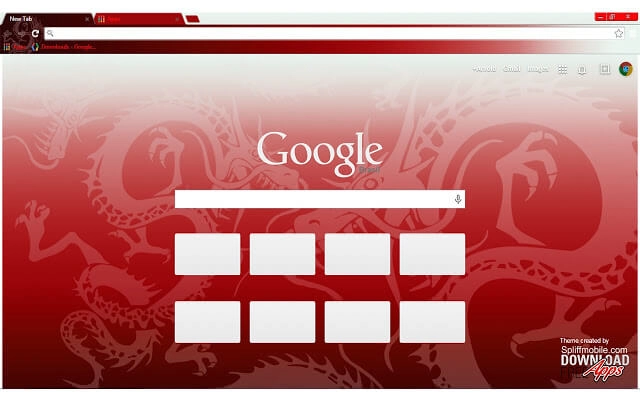
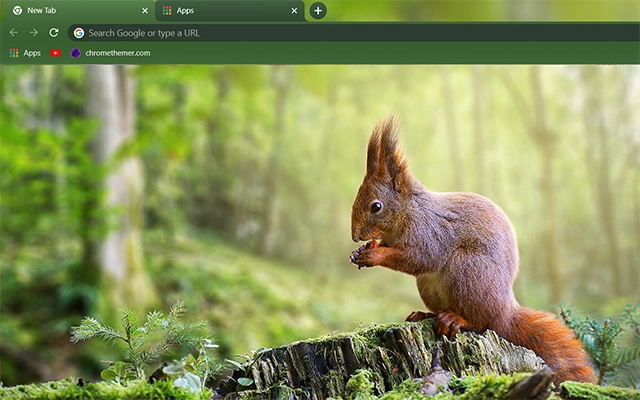
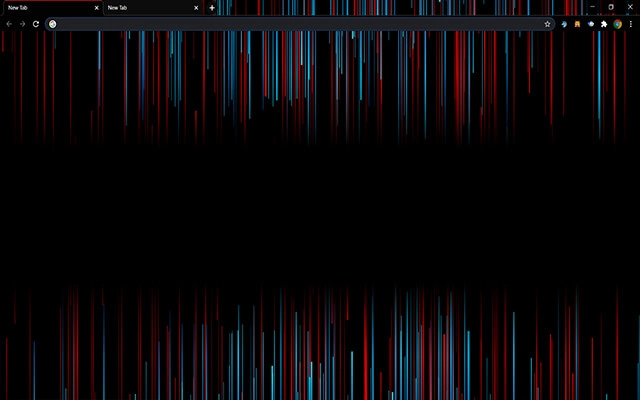
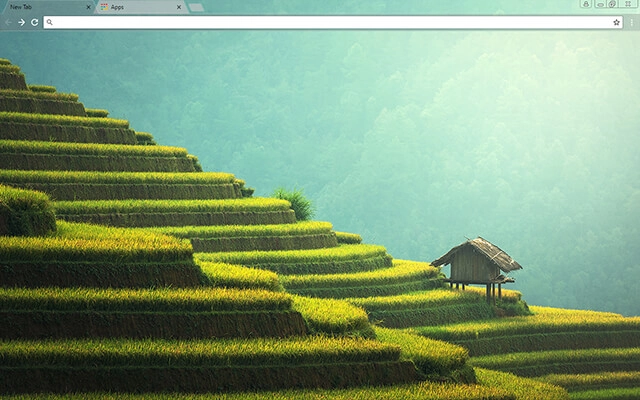
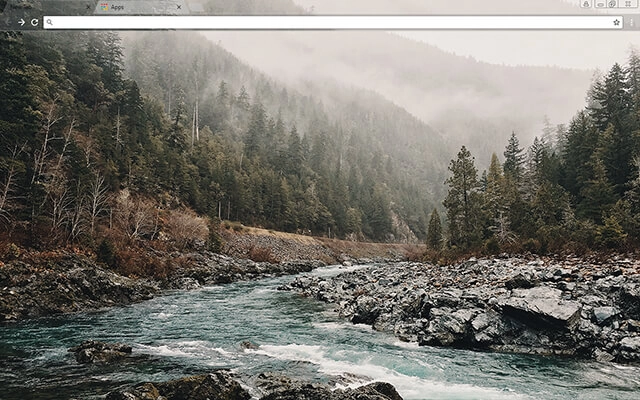
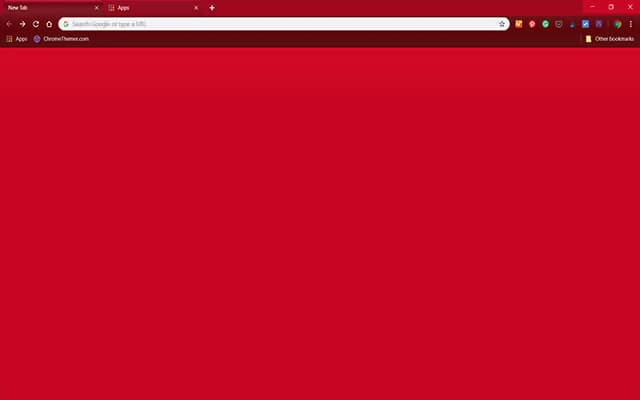
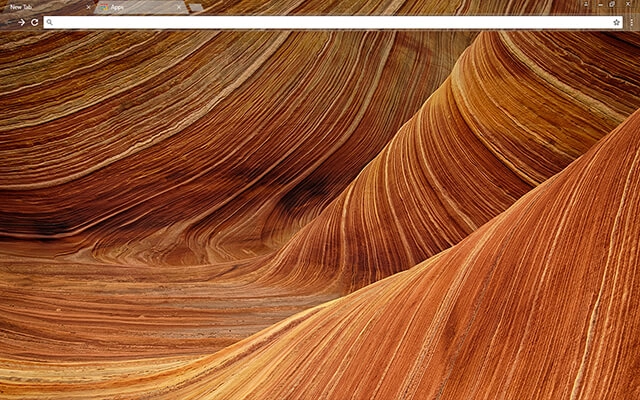
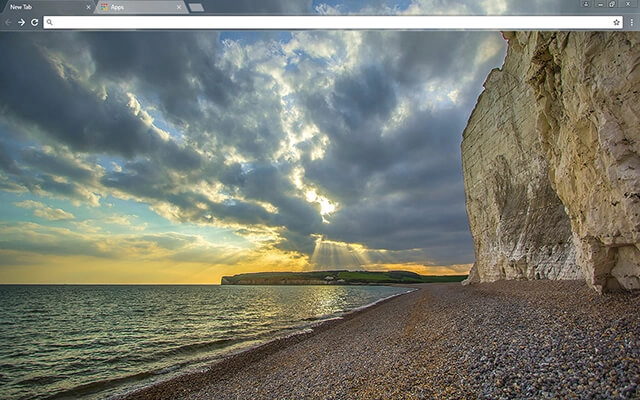
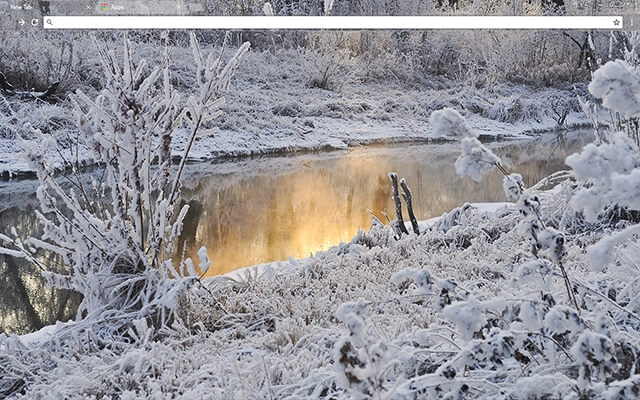
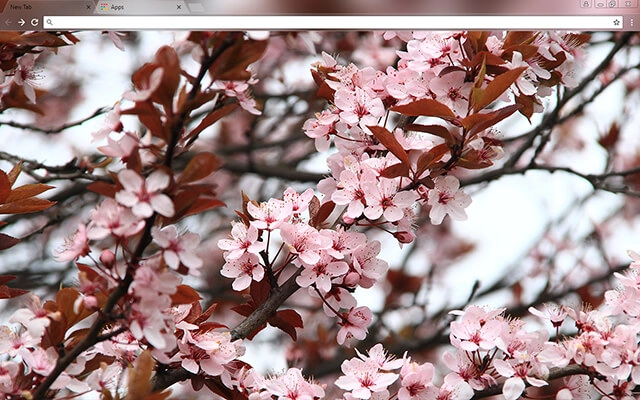
Focus Chrome themes are designed to help you stay productive and reduce visual distractions while browsing. Whether you're working, studying, or managing daily tasks online, a clean and calm browser interface can improve concentration. These free focus Chrome themes feature subtle colors, minimal layouts, and low-contrast designs that support longer, more comfortable browsing sessions.
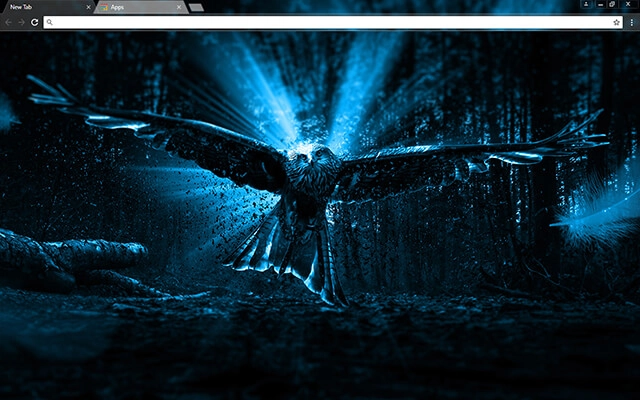
Most people searching for google themes free just want a safe, quick way to change Chrome’s look. Start with Popular or Top Rated, or jump into categories.
Tip: The Chrome Web Store is the safest “download” — no sketchy files, and it’s reversible anytime.
Quick answers about distraction-free themes for work and study — plus tips for readability when you have lots of tabs open.
Focus Chrome themes are designed to reduce distractions while you browse. They usually use calmer colors, simpler backgrounds, and cleaner contrast so your attention stays on your work instead of the UI.
They can help. A clean interface reduces visual noise, which makes it easier to concentrate — especially during long sessions or when you’re switching between research tabs, docs, and tasks.
Minimal themes focus on clean design and simplicity. Focus themes are curated specifically for distraction-free browsing during work or study — often overlapping with minimal design, but chosen for readability and calm contrast. You can also browse Minimal Chrome Themes.
For many people, yes — especially in low light. Darker palettes can feel more comfortable and reduce harsh brightness. For more low-light options, check Dark Chrome Themes.
Choose focus themes with clear tab separation and a readable active tab style. Subtle backgrounds and simple gradients usually make tab titles easier to scan.
No. Themes are lightweight and mainly affect appearance, so they typically have no noticeable impact on performance.
Click a theme card, open its Chrome Web Store page, and press Add to Chrome. Chrome applies the theme instantly.
Tip: For the most “focused” setup, pair a calm theme with a tidy bookmark bar and a default new tab that doesn’t distract you.