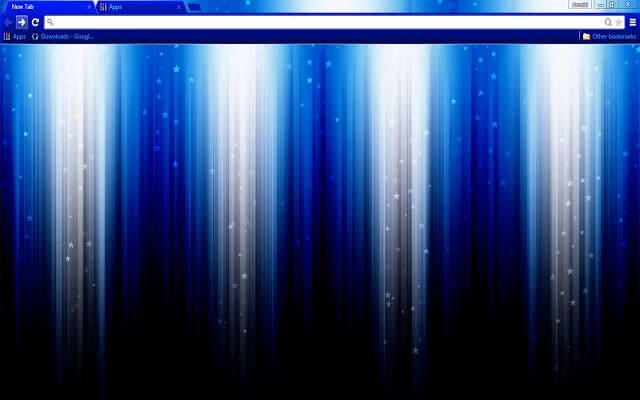
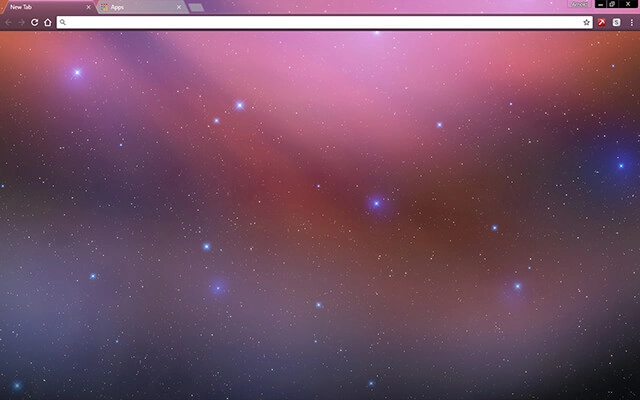
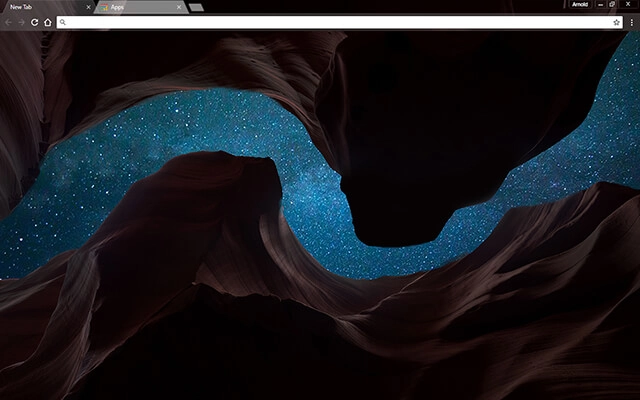
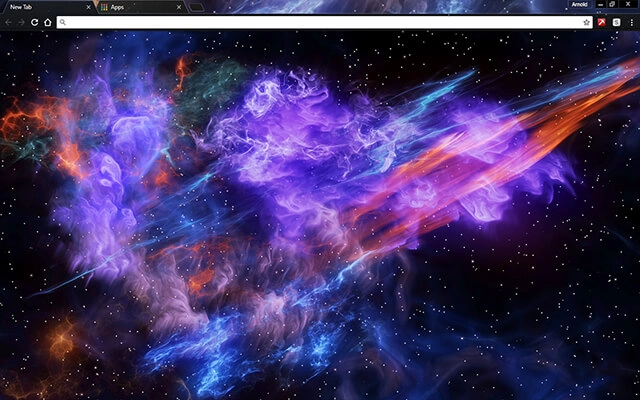
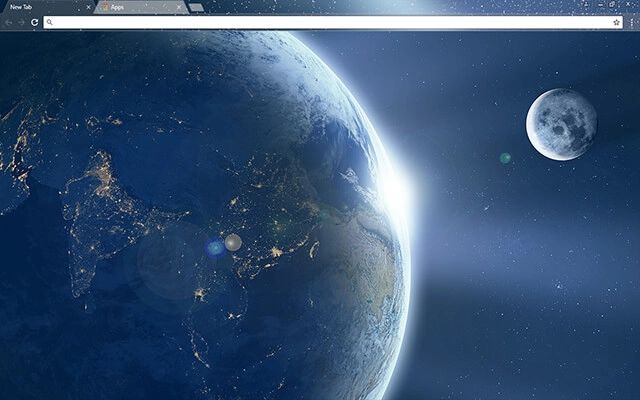
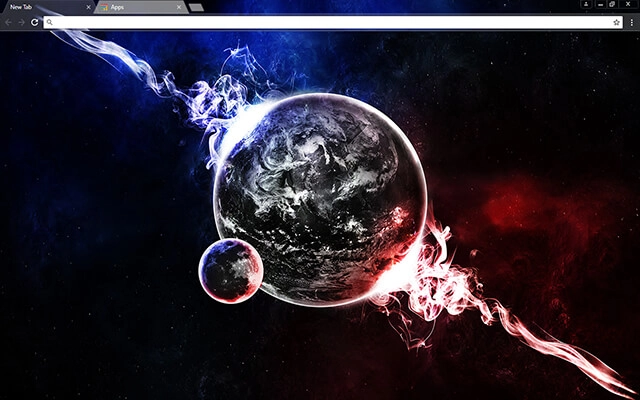
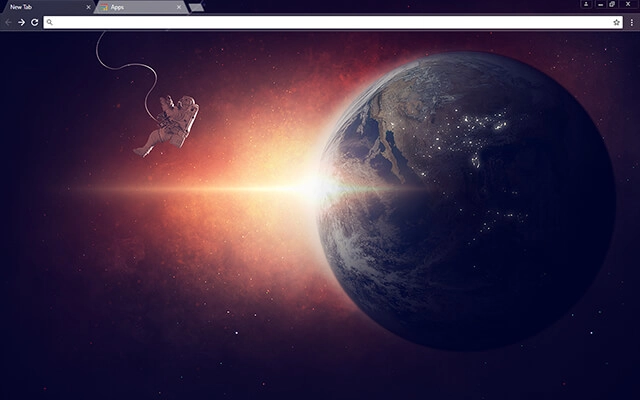
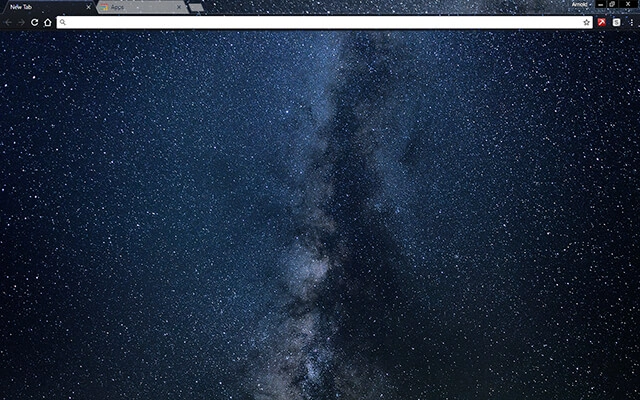
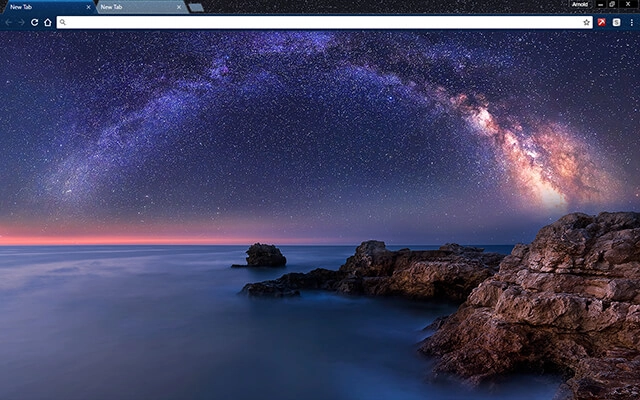
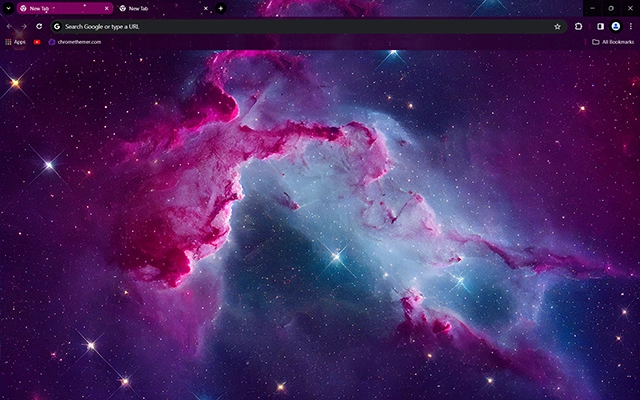
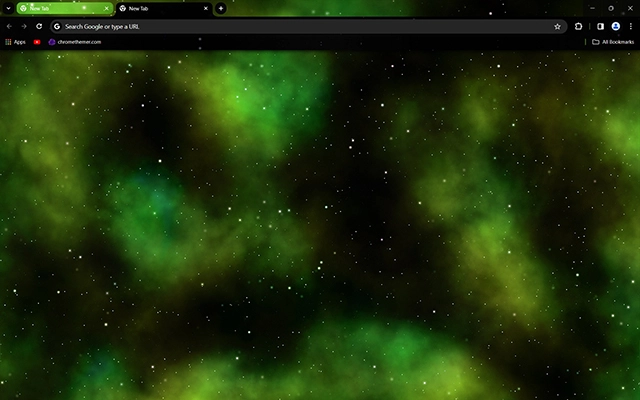
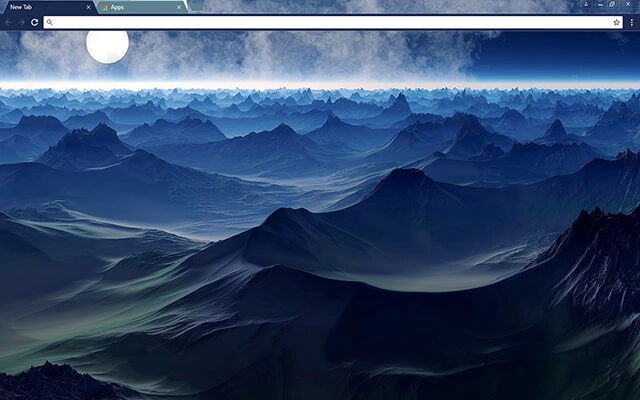
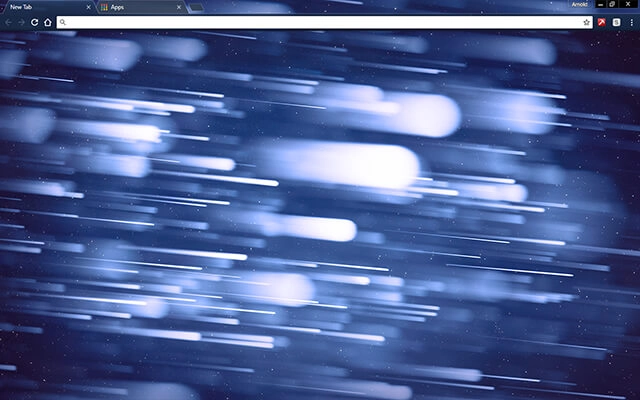
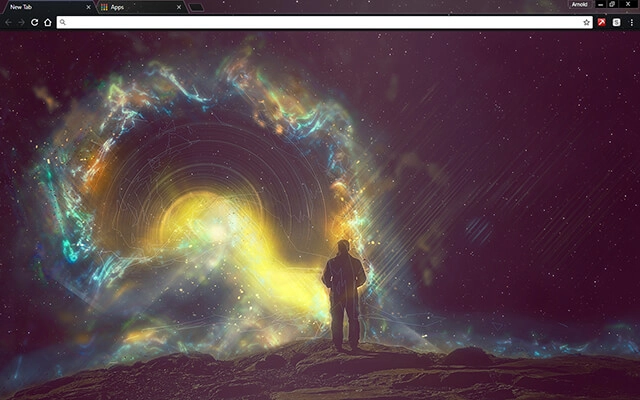
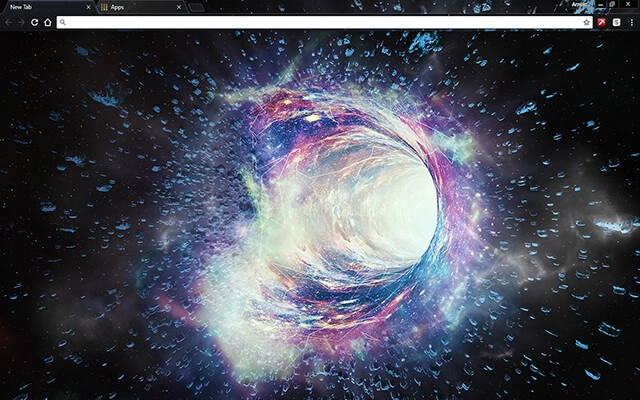
Space Chrome themes transform your browser into a window to the universe. From glowing nebulae and distant galaxies to star-filled night skies and cosmic gradients, these free space themes bring depth and atmosphere to your Google Chrome experience. Whether you prefer dark celestial designs or vibrant interstellar colors, explore the collection below and find a theme that feels out of this world.
Most people searching for google themes free just want a safe, quick way to change Chrome’s look. Start with Popular or Top Rated, or jump into categories.
Tip: The Chrome Web Store is the safest “download” — no sketchy files, and it’s reversible anytime.
Quick answers about galaxy, nebula, and cosmic Chrome themes — plus tips for dark space designs and readability.
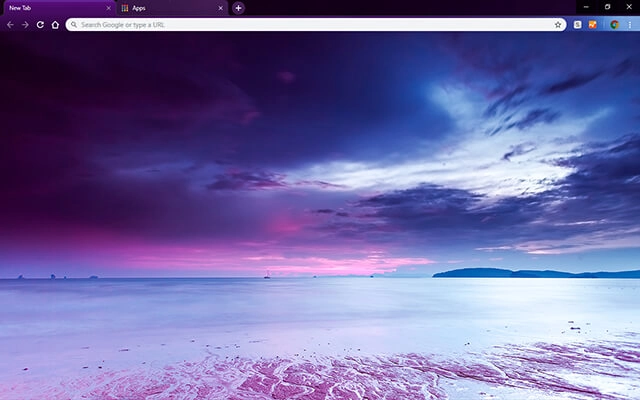
Space Chrome themes feature cosmic backgrounds like galaxies, stars, nebulae, planets, and universe-style gradients. They change Chrome’s interface colors (tabs and toolbar) and often include a space-themed New Tab background.
Space themes focus on cosmic imagery (galaxy, stars, nebula art), while Dark themes focus on low-light UI palettes (charcoal, black, night mode). Many space themes are naturally dark — you can also browse Dark Chrome Themes for more minimal low-light options.
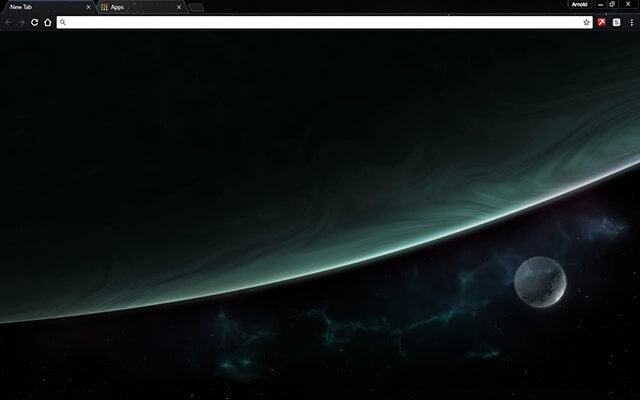
Yes. Look for subtle star fields, simple planet silhouettes, or soft nebula gradients with plenty of negative space. If you prefer ultra-clean designs, you may also like Minimal Chrome Themes.
Often, yes. Dark galaxy backgrounds and low-contrast toolbars can feel more comfortable in low light. For deeper blacks and higher contrast, check Black Chrome Themes.
No. Chrome themes are lightweight and mostly affect appearance. They typically have no noticeable impact on performance.
Click a theme card, open its Chrome Web Store page, and press Add to Chrome. Chrome applies the theme instantly.
Choose space themes with a clear separation between the tab bar and the background image. If the image is very bright or detailed, it can reduce readability — darker nebula themes and simple star fields usually work best.
Tip: The best “galaxy” themes use darker skies with a few bright highlights — it looks cinematic without making the UI hard to read.