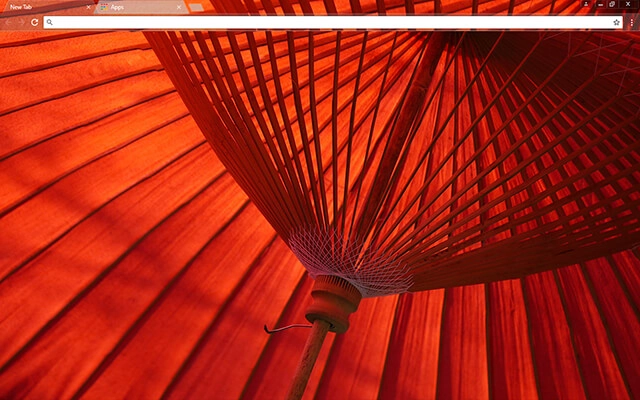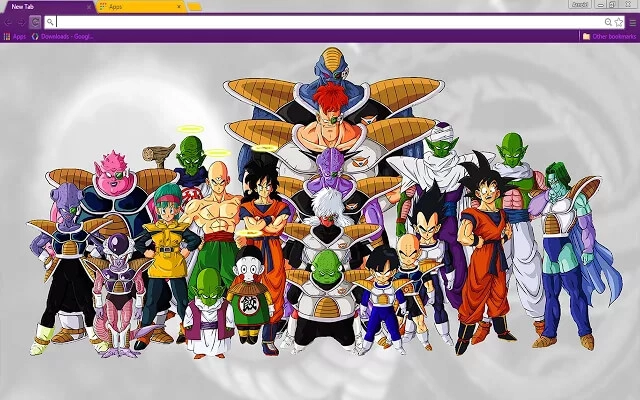
Anime Chrome themes bring bold colors, expressive artwork, and animated style directly into your browser. Whether you enjoy vibrant character designs, dramatic scenes, or soft pastel illustrations inspired by manga and animation, these free anime Chrome themes help personalize your Google Chrome experience. Explore the collection below and find a design that reflects your favorite style.
Most people searching for google themes free just want a safe, quick way to change Chrome’s look. Start with Popular or Top Rated, or jump into categories.
Tip: The Chrome Web Store is the safest “download” — no sketchy files, and it’s reversible anytime.
Quick answers about anime-style and manga-inspired Chrome themes — including cute, dark, and minimalist anime looks.
Anime Chrome themes use anime-style artwork, manga-inspired illustrations, or Japanese pop-culture aesthetics to customize Chrome’s interface colors and (often) the New Tab background.
Yes. The themes featured here are free to install from the Chrome Web Store (individual listings may vary by creator).
Themes are lightweight and visual-only, so they typically don’t affect performance. They also don’t access browsing data like extensions can — especially when installed from the official Chrome Web Store.
Anime themes focus on anime/manga style artwork. Cute themes focus on soft, playful designs and often include pastel colors and adorable characters. There’s overlap — if you want more “kawaii” vibes, browse Cute Chrome Themes.
Yes. Many anime-style themes use night palettes, deep shadows, or darker gradients for a more cinematic look. If you prefer low-light browsing, check Dark Chrome Themes too.
Yes. Look for themes with simple line art, clean backgrounds, and fewer high-contrast elements. For ultra-clean design, you may also like Minimal Chrome Themes.
Click a theme card, open its Chrome Web Store page, and press Add to Chrome. Chrome applies the theme instantly.
Tip: If tab text becomes hard to read, choose anime themes with calmer backgrounds or darker top bars — it keeps the UI clean even with lots of tabs open.