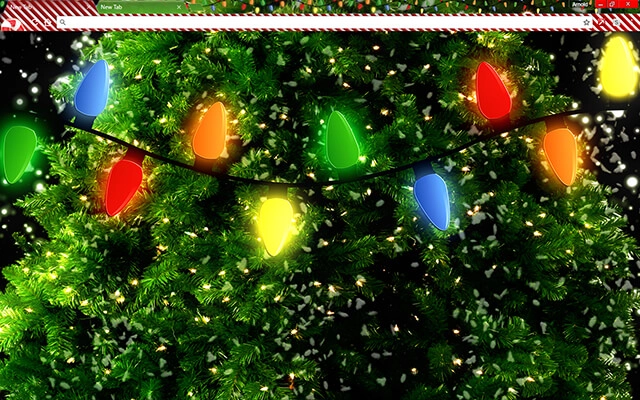
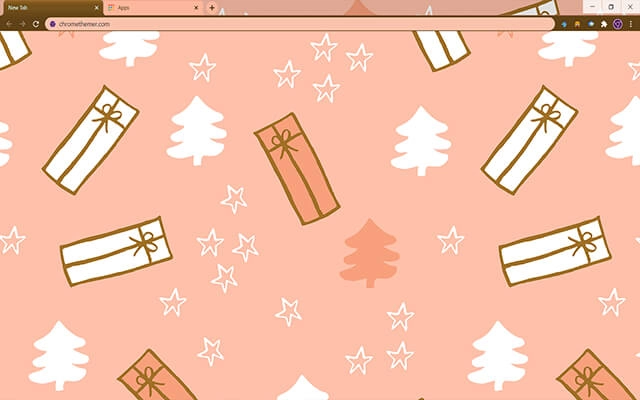
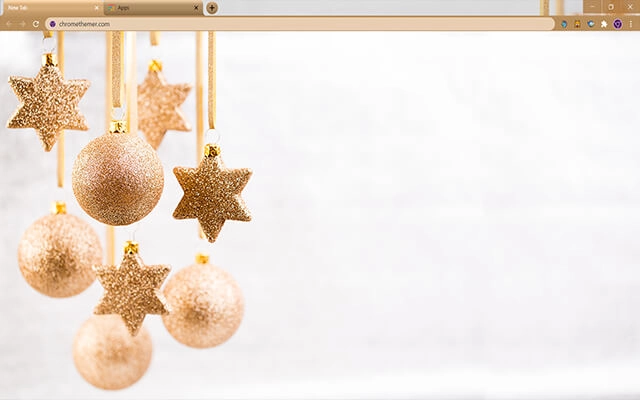
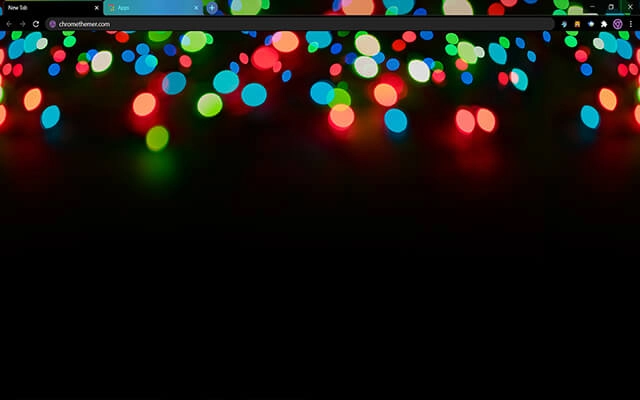
Christmas Chrome themes bring festive warmth and holiday spirit to your browser. From snowy winter landscapes and glowing Christmas lights to cozy seasonal designs and cheerful holiday scenes, these free Christmas Chrome themes help you celebrate the season online. Explore the collection below and give your Google Chrome a joyful holiday touch.
Most people searching for google themes free just want a safe, quick way to change Chrome’s look. Start with Popular or Top Rated, or jump into categories.
Tip: The Chrome Web Store is the safest “download” — no sketchy files, and it’s reversible anytime.
Quick answers about festive Christmas themes — winter backgrounds, holiday colors, and how to switch themes anytime.
Christmas Chrome themes are festive designs inspired by the holiday season — snowy scenes, Christmas lights, cozy winter colors, and seasonal illustrations. They change Chrome’s interface colors and often include a Christmas New Tab background.
No. You can install Christmas themes any time of year — they stay available like any other theme. Many people also use them as “winter” themes.
Christmas themes focus specifically on holiday visuals (lights, ornaments, Santa, festive scenes). Seasonal themes cover broader winter vibes like snow landscapes and cozy colors. You can browse Seasonal Chrome Themes for non-holiday winter designs.
No. Chrome themes are lightweight and mainly affect appearance, so they typically have no noticeable impact on performance.
Click a theme card, open its Chrome Web Store page, and press Add to Chrome. Chrome applies the theme instantly.
Yes. You can change themes anytime. Go to Chrome Settings → Appearance → Theme and choose Reset to default or install a new theme.
Yes. Some Christmas themes use darker winter nights and glowing lights for a cozy look. If you prefer low-light browsing, check Dark Chrome Themes too.
Tip: Themes with darker winter skies and warm holiday lights often look the best — festive, cozy, and still easy to read.