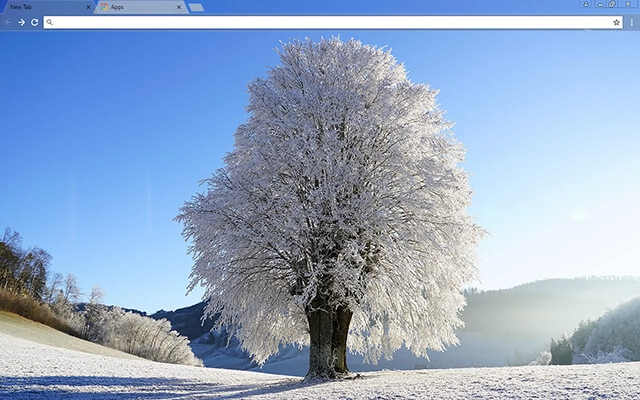
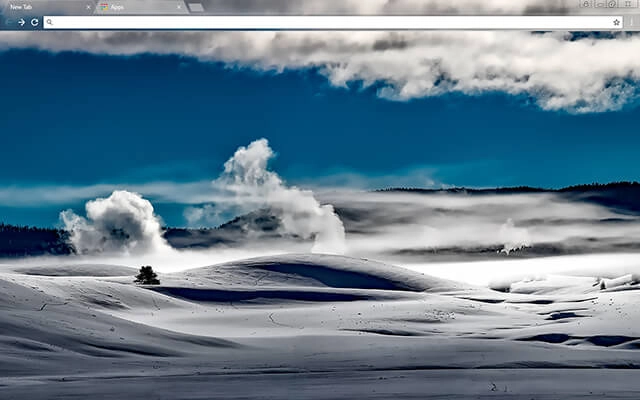
NEW Explore these themes inside a complete browser workspace on BrowserWorkTools. See Theme Workspace →

Seasonal Chrome Themes for Google Chrome

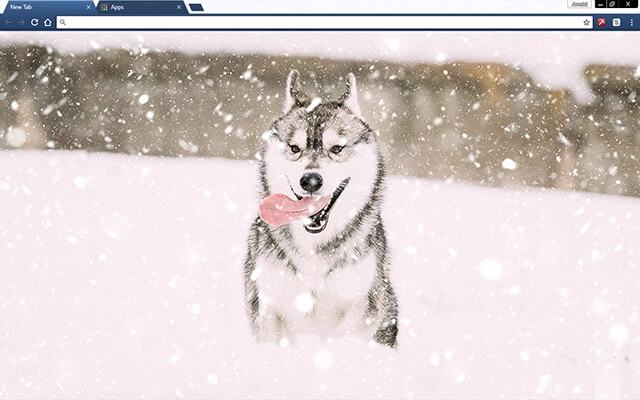
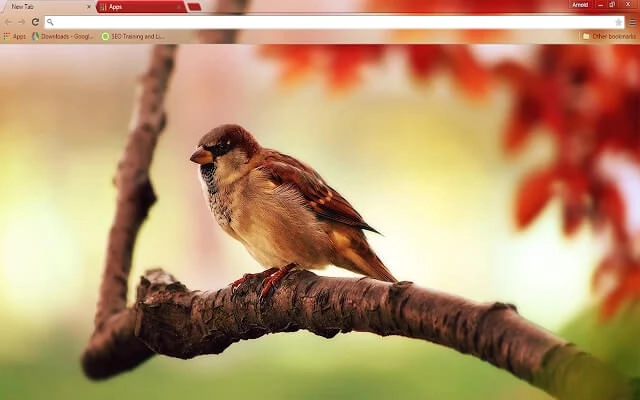
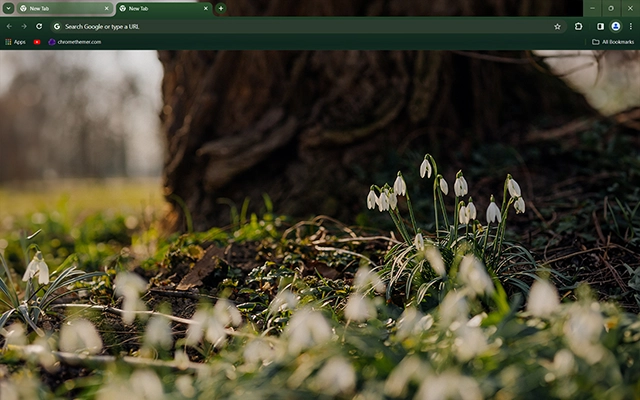
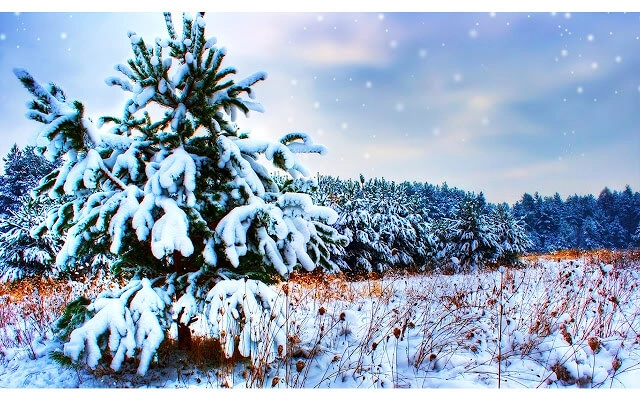
Seasonal Chrome themes help you match your browser to the time of year. From snowy winter scenes and cozy autumn colors to fresh spring blossoms and bright summer landscapes, these free seasonal Chrome themes bring the atmosphere of each season to your browsing experience. Explore the collection below and update your Google Chrome to reflect the moment.

Find a theme fast

Most people searching for google themes free just want a safe, quick way to change Chrome’s look. Start with Popular or Top Rated, or jump into categories.

Also searched as: “google themes free” · “themes google chrome” · “custom google background” · “tema google” · “thème google chrome”

Apply a theme in 30 seconds

  1. 1 Pick a theme card
  2. 2 Open its Web Store page
  3. 3 Click “Add to Chrome”

Tip: The Chrome Web Store is the safest “download” — no sketchy files, and it’s reversible anytime.

Seasonal Chrome Themes FAQ

Quick answers about seasonal themes for winter, spring, summer, and fall — plus how holiday themes fit in.

What are seasonal Chrome themes?

Seasonal Chrome themes are designs inspired by the time of year — winter snow scenes, spring blossoms, summer skies, and fall/autumn colors. They change Chrome’s interface colors and often include a seasonal New Tab background.

Which seasons are included on this page?

You’ll find themes that fit all four seasons: winter, spring, summer, and fall/autumn. Many designs also overlap with nature themes such as mountains, forests, and sunsets.

What’s the difference between seasonal themes and holiday themes?

Seasonal themes are broader (like “winter vibes” or “autumn leaves”), while holiday themes are tied to specific events such as Christmas or Halloween. Think “season mood” vs “holiday celebration.”

Can I switch themes throughout the year?

Yes. You can change Chrome themes anytime, so it’s easy to use bright summer themes, cozy autumn designs, and snowy winter backgrounds as the year changes.

Do seasonal Chrome themes slow down Chrome?

No. Themes are lightweight and mainly affect Chrome’s appearance. They typically have no noticeable impact on performance.

How do I install a seasonal Chrome theme?

Click a theme card, open the theme’s Chrome Web Store page, and press Add to Chrome. Chrome applies it instantly.

Can seasonal themes also be minimal or dark?

Definitely. Many seasonal designs use muted colors and clean layouts. If you prefer a calmer look, explore Minimal or Dark themes too.

Tip: Seasonal themes look best when the tab bar contrasts clearly with the background — it keeps the UI readable even with lots of tabs.

bolt