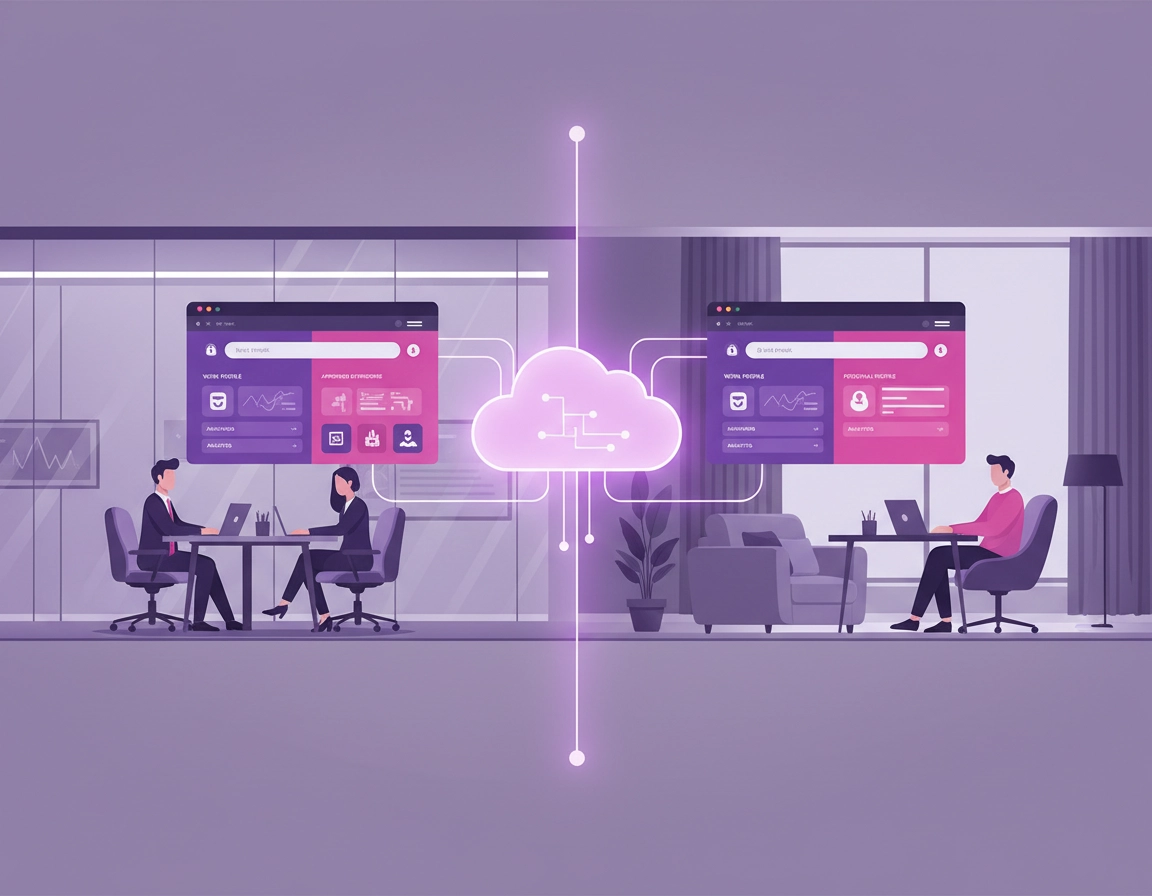
Choose the browser boundary before you choose policies .
The first serious mistake in most hybrid work deployments is that admins start with settings instead of boundaries. They debate bookmarks, Safe Browsing posture, startup tabs, extension permissions, and version pinning before they have answered the harder question: what part of the browser experience is the organization actually responsible for?
In an office-only model, that boundary was often implied by the device itself. If the laptop belonged to the company and lived on the company network, the browser was assumed to be company territory. Hybrid work breaks that assumption. The same employee might use a corporate Windows laptop on Monday, a personally owned Mac on Tuesday, a shared hot desk on Wednesday, and a hotel Wi-Fi connection on Thursday. If you do not define the boundary first, the browser estate becomes incoherent fast.
This is why Chrome Enterprise matters. It gives you more than one control surface. You can manage user accounts so policies follow a managed identity when that user signs in. You can manage enrolled browsers so browser-level controls apply even before the user signs in. You can also manage profiles, which is especially useful when you want to separate work context from personal browsing on mixed-use devices. That flexibility is powerful, but it also means bad design choices spread further if you do not plan carefully.
In practical terms, there are three browser boundaries most organizations end up using. First is the corporate browser boundary, where the company owns the endpoint and expects strict browser enforcement. Second is the managed work-profile boundary, where the company governs the work identity and work data but does not pretend to own the employee’s personal browsing. Third is the limited-access contractor boundary, where the browser is part of an access workflow rather than a fully standardized employee environment. Your policy design should follow one of those models. It should not drift randomly between them.
Related: This page sits naturally beside Chrome Enterprise Management, Chrome Enterprise Identity Management, Chrome Enterprise Access Control, and Chrome Enterprise Session Management.
Corporate laptop model
Use enrolled browsers, browser-level controls, reporting, extension governance, and staged updates.
BYOD model
Use managed work profiles and user-level policy first. Earn broader control only where the business case is strong.
Contractor model
Keep the browser footprint narrower, extension stack smaller, and access rules tighter than for full employees.
User policies, enrolled browsers, and managed profiles in a hybrid estate .
This is the part many pages oversimplify. Chrome Enterprise is not one flat management system. It lets admins target policies to either users or browsers, and that distinction is not cosmetic. User policies follow the managed account when the person signs in to Chrome. Browser policies apply to the enrolled browser itself, even when sign-in is not the trigger. If you do not understand this difference, your help desk will spend months diagnosing “missing policies” that were assigned to the wrong object.
User-level control is ideal when your main goal is identity continuity. The employee signs in with a managed account and receives the organization’s expected work experience: specific bookmarks, allowed services, approved extensions, and other account-linked behavior. This model works well for hybrid staff who move across multiple machines, because the work identity carries much of the browser experience with it.
Browser-level control is different. It is the stronger answer for corporate-managed Windows, Mac, or Linux devices where the organization wants the browser governed regardless of who is sitting in front of it. This matters in task-based environments, shared desks, certain regulated teams, and any scenario where IT wants to enforce a machine-level policy baseline rather than depending on a clean sign-in state.
Managed profiles sit between those two worlds in a useful way. They are particularly important on personally owned devices because they let you define a work context without pretending the entire device belongs to the company. That is a trust advantage as much as a technical one. Users are far more likely to accept enterprise browser controls when they can see that the work profile is the managed zone and their personal browsing remains distinct.
Another point that matters in real deployments: hybrid teams often use other management platforms such as Intune, Jamf, or Workspace ONE. Chrome Enterprise still adds value there. It can complement those tools with browser-specific controls, reporting, and extension workflows that generic endpoint platforms do not always handle elegantly. That is why many mature teams use Chrome Enterprise as the browser control layer rather than trying to make every browser problem look like a generic device-management problem.
Related: Continue with Chrome Enterprise Cloud Management, Chrome Enterprise Device Enrollment, Chrome Enterprise Group Policy Setup, and Chrome Enterprise MDM Configuration.
Where teams usually pick the wrong model .
- BYOD treated like a corporate asset: this creates user pushback and blurred privacy expectations.
- Corporate laptops treated like BYOD: this leaves too much to user behavior and profile hygiene.
- Contractors treated like employees: this expands the extension, data, and support surface unnecessarily.
- Shared devices treated like personal devices: this is how the wrong profile ends up persisting across sessions.
A rollout sequence that avoids profile chaos .
The best Chrome Enterprise rollout for hybrid work is not the fastest one. It is the one that preserves policy clarity while users shift between locations and device types. In practice, that means you should start with visibility and structure before you start with aggressive enforcement.
- 1 Stand up cloud management and create a pilot OU or configuration group that reflects real hybrid users, not just a lab group.
- 2 Decide which policies belong to users and which belong to browsers. Write that down in plain English for your help desk before rollout.
- 3 Enroll a small number of browsers across Windows, Mac, and any other meaningful endpoint mix in your estate.
- 4 Turn on reporting before you lock down too much. You need to see versions, extensions, policies, and browser presence before you start assuming everything is healthy.
- 5 Deploy a narrow first baseline: managed bookmarks, startup pages, essential extensions, reporting, and update strategy.
- 6 Only then decide whether sign-in restrictions, stricter extension rules, or stronger browser-level controls are justified for each persona.
- 7 Expand by role and risk. General knowledge workers first, then more complex departments, then contractors, shared devices, or higher-sensitivity teams.
The reason this order works is that hybrid environments hide state problems. A user may have the wrong profile open, an unenrolled browser, an out-of-date extension, or a laptop that has not contacted management recently. If you start with hard enforcement before you have visibility, every support ticket turns into a guessing exercise. If you start with reporting and scoped deployment, you can see where the model is failing before you scale the failure.
The first baseline should be intentionally boring. That is a good thing. Bookmarks, startup tabs, a required password manager, approved identity helpers, reporting, and staged updates deliver real value without triggering the “IT just took over my browser” reaction. Save the more intrusive moves, like aggressive sign-in restrictions or very tight extension models, for the point where you actually have evidence they are needed.
Related: Pair this section with Chrome Enterprise Deployment Guide, Chrome Enterprise Installation Guide, Chrome Enterprise Silent Install, Chrome Enterprise Update Management, and Chrome Enterprise Version Control.
Extension governance is where hybrid work usually breaks first .
If you only fix one browser-management problem in a hybrid organization, fix extensions. Extension sprawl is the fastest way to destroy consistency across remote users. In an office environment, it creates noise. In a hybrid environment, it becomes a genuine operational risk because employees self-install tools to solve small daily inconveniences, and every extra tool changes how the browser behaves.
The pattern is predictable. One team installs AI writing helpers, another installs PDF converters, another installs note-taking tools, another installs meeting recorders, and then someone adds a proxy or privacy extension that changes web traffic behavior. Soon your help desk is not supporting “Chrome” anymore. It is supporting hundreds of slightly different browsers that all happen to have the same icon.
Chrome Enterprise gives you a much cleaner model. Treat extensions in three buckets. First, force-installed for tools that are genuinely required, such as enterprise password managers, approved SSO helpers, or essential security tooling. Second, allowed by policy or request workflow for tools that may be useful but need some governance. Third, blocked for anything that creates unacceptable data, privacy, compatibility, or support risk.
In mature environments, the hidden value is not just blocking bad extensions. It is creating a documented intake path for requested ones. Hybrid users are more autonomous than office-only users. If they cannot get work done with the approved stack, they will improvise. A lightweight extension review workflow is often more effective than a heavy-handed blanket ban that staff simply route around.
This is also where many organizations discover that their real browser problem is not “security” in the abstract. It is change control. An extension request is really a small software procurement event. Someone is asking to run third-party code inside the browser that holds identity, sessions, documents, support systems, CRM tabs, and internal dashboards. That should be treated with more seriousness than “sure, just install it.”
Related: Strengthen this section with Chrome Enterprise Extension Management, Chrome Extension Security for Enterprise, Chrome Extension Security Policy, Chrome Extension Risk Analysis, and Chrome Extension Permissions Guide.
Reporting, version control, and app compatibility at scale .
Hybrid work changes the cost of browser updates. In a fully office-based setup, a bad update can often be diagnosed quickly because support, network context, and users are all physically closer. In a hybrid setup, that same issue ripples across homes, branch offices, travel locations, and time zones. The technical problem may be identical, but the operational cost is much higher.
This is why browser reporting matters so much. When Chrome Enterprise reports enrolled browsers, versions, apps, extensions, and enforced policies, admins gain something more valuable than a dashboard: they gain the ability to distinguish an app regression from a policy error, a profile problem, or a device that simply never checked in correctly. Without reporting, update incidents become rumor-driven. With reporting, they become diagnosable.
Version control is the other half of that story. Security teams naturally want browsers current, and they are right to do so. But business owners are also right to care about app compatibility. The enterprise answer is not to choose one side. It is to create rollout rings, validate key apps early, and keep rollback capability available for genuine regressions. That is especially important for internal portals, SSO flows, VDI launch paths, and web apps with brittle dependencies.
A mature hybrid environment usually ends up with at least three update audiences: a small pilot ring, the general workforce, and a more tightly managed set of exception groups. Those exception groups are often finance, executive teams, line-of-business app owners, or regions with limited support windows. This is not bureaucracy for its own sake. It is a way to keep one browser release from becoming a distributed operational incident.
Reporting also matters for governance. When security, audit, or operations leaders ask whether the browser environment is actually standardized, you need something better than “we think so.” Browser reporting, extension reporting, and policy visibility give you defensible answers instead of anecdotes.
Related: Continue with Chrome Enterprise Usage Analytics, Chrome Enterprise Security Reporting, Chrome Enterprise Device Visibility, Chrome Enterprise IT Dashboard Guide, Chrome Enterprise Activity Logs, and Chrome Enterprise Rollback Guide.
BYOD, contractors, shared devices, and executive exceptions .
Hybrid work stops being abstract when you look at the exceptions. Full-time employees on corporate laptops are usually the easiest group. The complexity appears when you add personally owned Macs, contractors who only need a few apps, shared desks, temporary staff, or senior stakeholders who need tighter handholding around change windows.
BYOD needs restraint more than force .
A personally owned device is not just a technical object. It is a trust boundary. That is why managed work profiles are often the strongest starting point. They let IT manage the work context, apply account-linked expectations, and keep work extensions and work data inside a clearer container. They are usually easier to defend to users than full-browser controls on a private machine.
Contractors should not inherit the full employee browser estate .
Contractors rarely need the full internal extension stack, the same bookmarks, or the same browser privileges as employees. A narrower browser footprint is safer and easier to support. Think fewer extensions, more explicit access boundaries, and a simpler work context. This also makes offboarding cleaner.
Shared devices need tighter profile discipline .
Shared or hot-desk environments break quickly if profile persistence is sloppy. In those environments, browser-level controls, stronger sign-in discipline, and clearer session handling matter more than they do for a single-user laptop. The cost of a profile mistake is no longer one confused employee. It is the wrong user inheriting the previous user’s state.
Executive exceptions should be explicit, not accidental .
Whether you like it or not, many organizations maintain executive exception paths for update timing, support responsiveness, and sometimes even extension approval speed. The important thing is to make those exceptions explicit. Hidden exceptions are what create inconsistency. Declared exceptions can at least be documented, audited, and revisited.
Related: These adjacent pages fit naturally here: Chrome Enterprise for Contractors, Chrome Enterprise for Freelancers, Chrome Enterprise for Small Business, Chrome Enterprise for Enterprise Scale, Chrome Enterprise Global Deployment, and Chrome Enterprise VDI Support.
Troubleshooting policy scope, profile state, and update regressions .
Related: Keep these nearby during rollout: Chrome Enterprise Rollback Guide, Chrome Enterprise Version Control, Chrome Enterprise Secure Remote Access, and Chrome Enterprise Extension Management.
Policies look correct in admin, but users say nothing changed .
Start by checking whether the policy was assigned to the user or to the browser. This is still the number-one failure mode in hybrid rollouts. If the device is not an enrolled browser, browser-level policy may never appear. If the user is not signed into the correct managed profile, account-linked policy may never land. Before blaming Chrome, confirm the object you targeted matches the object in front of the user.
Forced sign-in caused more confusion than control .
This usually means the rollout hit old local profiles, multiple personal profiles, or poorly explained profile transitions. The fix is rarely “turn it off and hope.” The real fix is clearer migration guidance, a pilot-tested support playbook, and a short internal page that tells users which profile is now their work profile and what they should expect on first launch.
Required extension did not install, or installed in the wrong context .
Confirm whether the extension is merely allowed, approved on request, or force-installed. Those are different states. Then confirm whether it is meant to follow the user across devices or whether it depends on an enrolled browser context. In hybrid environments, “approved” and “automatically present” are often confused, and that misunderstanding turns into support noise.
Users say Chrome now feels invasive .
Recheck the management boundary you chose. On BYOD, this usually means the organization pushed too far toward whole-browser control when a managed-profile model would have been more appropriate. Also inspect your internal documentation. Trust problems are often worsened by silence. Users tolerate more control when they understand exactly what is being managed and why.
A browser update broke a critical app for remote staff .
Handle this as a change-management incident, not just a browser incident. Identify the affected ring, compare versions, validate whether the issue is reproducible, and isolate whether the breakage belongs to Chrome, the extension stack, the identity flow, or the app itself. Then use your rollback or hold strategy if the business impact is high enough. Hybrid work punishes teams that treat versioning as an afterthought.
You are tempted to reset everything .
Do not use reset as your first instinct in a managed environment. A reset often hides the actual fault because policy reapplies immediately. Compare a known-good pilot browser, inspect policy state, confirm enrollment, verify profile identity, and only then decide whether you need re-enrollment, profile cleanup, or actual browser reset steps.
FAQ .
-
helpIs Chrome Enterprise mainly for large organizations?No. Smaller teams often feel the pain of unmanaged browsers even faster because they have less dedicated support capacity. Once remote work, SaaS dependence, or extension sprawl become normal, browser standardization starts paying back quickly.
-
helpWhat is the cleanest starting point for BYOD?Usually a managed work-profile approach. It gives IT a governable work zone without collapsing the employee’s personal browsing into the same trust model. That tends to create a better long-term balance between security, adoption, and support.
-
helpShould all hybrid users be on the same policy set?No. Corporate laptops, BYOD users, contractors, shared devices, and executive exceptions are different operating conditions. The smart move is not one universal policy set, but a small number of clearly owned policy personas.
-
helpWhat creates the highest support load in hybrid browser management?Usually some combination of wrong policy scope, unmanaged extensions, profile confusion, and poorly staged browser updates. Those four issues account for a very large share of “Chrome is broken” tickets in distributed environments.
-
helpCan Chrome Enterprise still help if we already use Intune or another MDM?Yes. Many teams use Chrome Enterprise as the browser-specific layer on top of broader endpoint management. That gives them stronger browser reporting, extension control, and policy visibility without forcing every browser problem into a generic device-management workflow.
Sources & further reading .
- Chrome Enterprise: securing the hybrid workforce
- Chrome Enterprise Core overview
- Set up Chrome Enterprise Core
- Start managing Chrome browser
- Enroll cloud-managed Chrome browsers
- Turn on Chrome browser and profile reporting
- Set Chrome policies for users or browsers
- Manage user profiles on Chrome browser
- Automatically install apps and extensions
- Allow or block apps and extensions
- Let users request extensions
- View all Chrome policies on a device
Disclosure: This guide is editorial and written for real-world rollout planning. Test sign-in changes, extension changes, and update changes with a pilot group before expanding them across your browser estate.