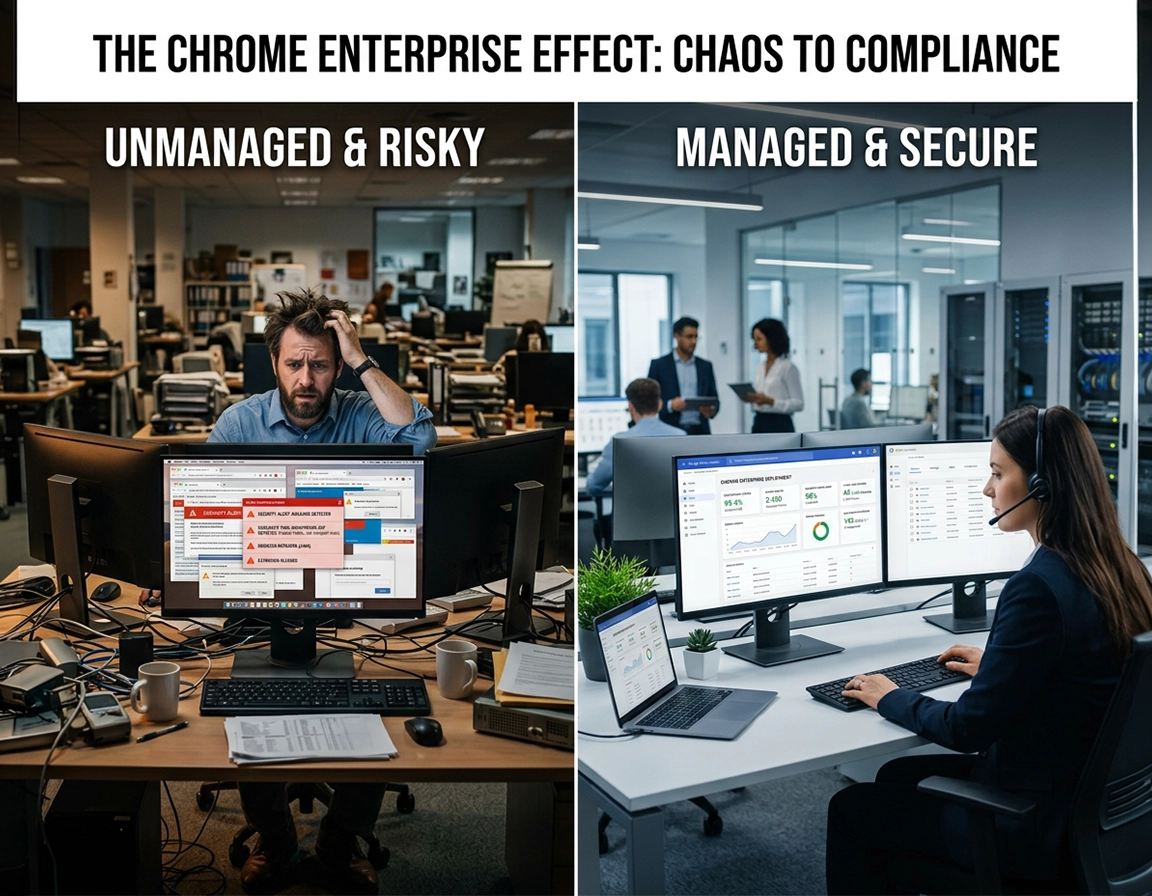
When Chrome Enterprise sales is the right next step .
This is not the same thing as asking for Chrome end-user help, and it is not a required step before downloading the browser.
The phrase contact sales sounds simple, but in Chrome Enterprise it usually signals that your organization is no longer thinking about Chrome as a standalone application. You are thinking about the browser as a managed layer: a place where policies, extensions, reporting, secure access, data controls, and support expectations all start to matter. That is a very different conversation from “how do I install Chrome” or “where do I find the MSI.”
Teams often reach out too early, usually because they have heard the product names but have not yet translated them into a real buying case. They know employees already use Chrome. They know Google offers enterprise management and advanced security. They assume sales is the generic next stop. The result is usually a weak first meeting where the vendor spends most of the time trying to discover what problem the organization is actually trying to solve.
A productive Chrome Enterprise sales conversation starts when the browser is tied to a business outcome. That outcome might be cloud-based browser management across operating systems. It might be extension governance for a large distributed workforce. It might be better reporting on versions, apps, and browser state. It might be secure access and data-handling controls for contractors on unmanaged devices. Or it might be procurement clarity around whether the no-cost management route is enough or whether the paid secure-browsing layer is justified.
Google separates that conversation clearly. Chrome Enterprise Core is the no-cost option for browser management and reporting. Chrome Enterprise Premium is the paid secure enterprise browsing offering, currently positioned at $6 per user monthly and aimed at organizations that need more advanced controls, including stronger data-protection and secure-access scenarios. That distinction is the center of the buying motion. If you blur it, your evaluation gets slower, the wrong stakeholders show up, and pricing questions start before the problem is properly scoped.
Related: this page pairs naturally with Chrome Enterprise Request a Demo Guide, How to Buy Chrome Enterprise, and Chrome Enterprise Evaluation Checklist.
Key terms worth cleaning up before the first meeting .
- Chrome Enterprise Core: the no-cost cloud-based browser management and reporting path in the Google Admin console.
- Chrome Enterprise Premium: the paid secure-browsing tier that layers more advanced controls on top of the Chrome Enterprise offering.
- Browser reporting: visibility into things like apps, extensions, versions, and other browser-deployment data.
- Secure enterprise browsing: using the browser as an active control point for user access, data protection, and web-session risk management.
- Enterprise support plan: formal vendor support coverage and escalation paths, which is different from public documentation or community-style help.
Before you contact sales .
The strongest Chrome Enterprise evaluations start with internal qualification, not external outreach. In plain terms, you want to know whether you are chasing a management problem, a security problem, a procurement problem, or some combination of the three. Without that, even a good vendor conversation turns into broad discovery.
Start by documenting the environment. How many users are in scope? What is the device count? Which operating systems matter? Are the devices centrally managed, personally owned, contractor-owned, shared, or lightly governed through another tool? What percentage of your critical business workflows already live in SaaS and the browser? Those details matter more than the abstract phrase “enterprise browser.”
Then define the actual trigger. A management-led trigger might be inconsistent Chrome policy settings, poor browser visibility, extension sprawl, or too much manual effort around updates and support. A security-led trigger might be risky downloads, unmanaged-device access, data-exfiltration concerns, or the need for tighter control around internal web apps. A procurement-led trigger might be renewal pressure, an RFP, a modernization initiative, or a formal comparison with another secure browser or browser-isolation route.
Related: if the business case still feels loose, read Chrome Enterprise Pricing Overview, Chrome Enterprise Cost Analysis, and Chrome Enterprise ROI for Business before the first outreach.
- Define the browser estate: default Chrome, mixed-browser environment, partially managed Chrome, or unmanaged deployment today.
- Define the operating model: corporate-managed devices only, hybrid work, contractor access, BYOD, shared devices, or VDI-adjacent web access.
- Define the control goals: browser policies, reporting, extension governance, support, secure access, DLP-style controls, or compliance visibility.
- Define the buying posture: discovery, pilot-ready, budget-approved, renewal-triggered, or under pressure from audit or risk findings.
- Define internal owners: endpoint engineering, workplace IT, security engineering, architecture, procurement, and executive sponsor if needed.
The most useful internal distinction is this: are you trying to get more control over Chrome, or are you trying to use Chrome as a stronger security layer? The first question usually points to Core. The second may point to Premium. Both can exist in the same organization, but they should not be treated as the same motion when you contact Google.
- Estimated user count and device count
- Operating-system mix across desktop and mobile where relevant
- Current browser-management approach, if any
- Named technical owner and named commercial owner
- Three must-have capabilities and two non-negotiable constraints
- Target date for pilot, evaluation checkpoint, or purchasing decision
Step-by-step: prepare and submit the request .
Google’s current Chrome Enterprise contact page tells you exactly how Google wants to qualify incoming demand. The form first asks for business identity details such as name, company name, company size, job title, business email, phone, country, and industry. It then asks what type of Chrome Enterprise help you are looking for. That means your job is to arrive with an answer that is operationally credible before the form ever gets opened.
- 1 Lead with a business problem, not a product label. A strong opening sounds like this: “We need centralized policy and extension visibility for 2,300 Chrome browsers across Windows and macOS.” A stronger opening sounds like this: “We need controlled browser access and sensitive-data protections for contractors using unmanaged devices.”
- 2 Map the problem to the closest qualification bucket. Google currently separates first-time Chrome deployment questions, no-cost cloud management questions tied to Chrome Enterprise Core, advanced capabilities tied to Premium and 24/7 support, and other Chrome Enterprise help. Choose the bucket that matches reality, not the one that sounds most impressive.
- 3 Use the right contact person. The submitting user should be someone who can survive follow-up: an IT manager, endpoint lead, security manager, architecture owner, or procurement-backed technical owner. A random shared inbox or junior requester with no scope context creates friction immediately.
- 4 Write the optional details field like a procurement brief. Include user count, device model, browser state, top controls required, target rollout window, and whether you are evaluating Core, Premium, support, or a partner-assisted deployment route.
- 5 Decide what the first meeting must answer. You want clarity on fit, tier, pilot scope, deployment path, support model, and likely buying route. If you do not know what answers you need from meeting one, the meeting will stay generic.
- 6 Prepare the next-step motion before the call happens. That means knowing who approves a pilot, who validates security requirements, who checks legal or privacy concerns, and who owns the commercial path afterward.
What success looks like: after the first substantive conversation, you should know whether Core is enough, whether Premium deserves a pilot, what deployment shape makes sense, which stakeholders need to join next, and whether the path will be direct with Google or through a partner.
Related: continue with Chrome Enterprise Management, Chrome Enterprise Cloud Management, and Chrome Enterprise Policy Templates if your outreach is fundamentally about browser control rather than advanced security.
What to write in the optional “tell us more” field .
Most teams either leave this blank or waste it on a line like “Need pricing and demo.” That is one of the biggest quality gaps in enterprise lead handling. Use the space like a concise internal memo.
“We are evaluating Chrome Enterprise for 1,800 users across Windows and macOS. We already run Chrome broadly but need better policy consistency, browser reporting, and extension governance. We also have a contractor and hybrid-work population that may require stronger secure-access and data-protection controls. We would like to understand whether Chrome Enterprise Core is sufficient for management and visibility, or whether Chrome Enterprise Premium should be piloted for advanced secure-browsing use cases. Our target is a controlled pilot next quarter.”
What sales can help with versus what belongs elsewhere .
- Good sales topics: tier fit, high-level deployment path, support route, partner involvement, evaluation framing, commercial packaging, and next-step scoping.
- Better for technical follow-up: detailed policy behavior, admin-console implementation specifics, exact integration steps, and deep architecture validation.
- Not the right use case for sales: ordinary personal Chrome troubleshooting, consumer sync issues, or general browser support unrelated to enterprise adoption.
Advanced buying strategy and internal qualification .
High-CPC enterprise browser content gets weak fast when it talks only about features. Real buyers are not evaluating isolated features. They are deciding whether the browser can become a credible control surface inside an existing security and productivity stack. That is a platform question. It affects endpoint engineering, identity, application access, extension risk, change management, and sometimes even how procurement frames browser spend against security spend.
Related: if your use case leans security-first, move next into Chrome Enterprise Conditional Access, Chrome Enterprise Policy Hardening, Chrome Enterprise Browser Isolation Guide, and Chrome Enterprise Security Best Practices.
Questions strong buyers bring into the first serious conversation .
- What is the cleanest dividing line between Core and Premium in environments that already manage devices elsewhere?
- Which use cases justify treating the browser as an active security layer instead of just a managed application?
- How should we scope a pilot for unmanaged devices, contractors, or remote web access without over-engineering the first phase?
- What reporting is native, and where would we still depend on other tools in the security stack?
- How should we think about extension governance, browser versions, and policy visibility if we already use UEM tools like Intune, Workspace ONE, or Jamf?
- When does it make sense to go direct versus involving a partner or reseller?
Questions that signal weak preparation .
- Can you tell us what Chrome Enterprise is?
- Is it secure?
- How much does it cost?
- Can you just show us a demo and we will see?
None of those questions is wrong in isolation. The problem is that they force the vendor to restart from the top. A stronger method is to lead with measurable outcomes: reduced time spent applying or validating browser policies, better visibility into extensions and versions, less exposure from unmanaged-device access, tighter handling of sensitive workflows in the browser, or lower support friction in hybrid work scenarios.
How to design a serious pilot instead of an oversized experiment .
The best Chrome Enterprise pilots do not try to prove everything at once. They prove one buying thesis. That thesis might be “Core gives us the browser visibility and control we are missing.” Or it might be “Premium helps us handle SaaS access and sensitive web workflows on unmanaged devices more safely.” Once the thesis is clear, the pilot becomes easier to defend internally.
- Choose one population: a contractor group, a finance team, a distributed sales unit, or an IT-managed department with known browser governance gaps.
- Choose one outcome category: management efficiency, security uplift, compliance visibility, or controlled remote access.
- Choose measurable proof points: policy coverage, extension visibility, browser-version visibility, reduced risky behavior, faster onboarding, or less ticket volume around browser issues.
- Choose a real decision date: avoid “open-ended evaluation.” Enterprise browser pilots should end in scale-up, repositioning, or clear rejection.
Decision matrix: what usually belongs in Core versus Premium conversations .
| Primary need | Typical conversation | Why it matters commercially | Likely first destination |
|---|---|---|---|
| Browser visibility and policy control | Cloud-based management, browser reporting, versions, extension oversight | Lets IT formalize Chrome management without immediately expanding into a paid secure-browsing project | Chrome Enterprise Core |
| Secure access and data protection | Data-loss controls, hybrid work, unmanaged devices, remote web-session protections | Moves the buying case from “manage Chrome better” to “use the browser as a security layer” | Chrome Enterprise Premium |
| Support and deployment assistance | Support plan questions, escalation expectations, partner route, rollout help | Important for procurement and risk planning, especially in larger rollouts | Sales plus support / partner path |
| Comparison against other enterprise browser routes | Managed browser versus secure browser, browser isolation, or zero-trust browser alternatives | Creates the internal justification story that gets budget and stakeholder alignment | Commercial + architecture follow-up |
Related: for comparison-heavy evaluations, also read Chrome Enterprise vs Standard Chrome, Chrome Enterprise vs Zero Trust Browser, Chrome Enterprise vs Secure Browser, and Best Managed Browser for Enterprise.
Security, compliance, and stakeholder notes .
Browser conversations have become security conversations because so much of enterprise work now happens inside web applications. That shifts the browser from a convenience layer into a control surface. It can influence access, extension behavior, downloads, copy-and-paste patterns, visibility, policy compliance, and the overall user path into SaaS. If that sounds important, it is, and it is exactly why enterprise-browser sales cycles now touch far more than desktop engineering.
Impact: a good Chrome Enterprise buying motion can change how browser policies are governed, how sensitive workflows are accessed, how extensions are reviewed, and how browser visibility feeds into broader security operations.
Chrome Enterprise Core already matters for compliance-minded teams because visibility and consistency are part of control maturity. If you do not know which versions are deployed, which extensions are present, and which policies are actually landing, governance is weaker than most teams admit. Premium pushes the conversation further by making the browser relevant to data protection and secure access in a more direct way.
Related: extend the compliance thread with Chrome Enterprise Compliance, Chrome Enterprise GDPR Compliance, Chrome Enterprise SOC2 Compliance, Chrome Enterprise ISO 27001 Guide, and Chrome Enterprise Data Governance.
Stakeholder map: who should care and why .
- Endpoint / workplace IT: wants consistent browser controls, cleaner rollout, less manual sprawl, and lower support noise.
- Security: cares about risky web sessions, extension exposure, browser-level data handling, and unmanaged-device scenarios.
- Architecture: needs to understand how the browser fits with identity, existing UEM, web-app access, and control layering.
- Procurement: needs tier clarity, support path, commercial scope, and proof that the project is not just “buying a browser.”
- Leadership: needs the short story: what risk drops, what friction drops, what visibility improves, and why the browser is the right control point.
Recommended sales-call themes by enterprise goal .
| Goal | Best themes to raise | Main tradeoff | Best fit |
|---|---|---|---|
| Get browser control fast | Cloud-based management, browser reporting, policies, extensions, operating-system coverage | You may discover the no-cost route already covers most of the need | Core-first evaluation |
| Reduce web-session risk | Data protection, risky-user visibility, access context, unmanaged-device controls, remote-work posture | Security use cases need sharper pilot design and more stakeholder involvement | Premium evaluation |
| Prepare a procurement decision | Support coverage, tier fit, buying route, rollout sequencing, partner involvement | Commercial discussion is weak unless the use case is already qualified | IT + procurement alignment |
| Defend the business case internally | Operational time savings, improved visibility, control maturity, faster governance at the browser layer | Leadership story must stay outcome-based, not feature-based | Architecture + executive sponsor |
Troubleshooting slow or unproductive sales cycles .
Related: if the issue is less about vendor responsiveness and more about internal justification, revisit Chrome Enterprise Cost Analysis, Chrome Enterprise ROI for Business, and Chrome Enterprise for IT Procurement.
If the first response feels generic .
That usually means the form was too vague. Send a sharper follow-up with your user count, device profile, current browser-management posture, target controls, and buying timeline. The better your context, the harder it is for the next reply to stay generic.
If the conversation jumps to pricing too quickly .
Pull it back to solution fit. Ask the vendor to walk through where Core ends, where Premium becomes justified, what support routes exist, and what the smallest credible pilot would look like. Pricing is far more useful when it is attached to a defined scope and an expected deployment shape.
If security and IT are talking past each other .
Split the requirements into two columns: operational controls and security controls. Operational controls include policy consistency, reporting, and extension management. Security controls include unmanaged-device access, data protection, risky web sessions, and access context. Once those are separated, the buying story becomes easier to defend.
If procurement wants numbers before the technical team is ready .
Give procurement a qualification memo first: in-scope users, likely tier, expected pilot, support needs, and the reason the browser is being treated as a control layer. That gives commercial conversations structure instead of turning them into guesswork.
If you need to reset the whole process .
Write a one-page internal brief and start over from that. Include current state, target state, user population, required controls, timeline, internal owners, and what decision the next vendor interaction is supposed to unlock. In enterprise buying, a clean reset is usually faster than continuing an unfocused thread.
FAQ .
-
helpShould I contact Chrome Enterprise sales if I only need to install or deploy Chrome?Not necessarily. If you only need the browser download, packaging files, or standard deployment documentation, sales may be unnecessary. Contact sales when the conversation involves cloud management, browser reporting, advanced controls, support, a pilot, or a commercial decision around Chrome Enterprise.
-
helpWhat does Google currently ask for on the contact form?The live contact flow asks for business information such as name, company name, company size, job title, business email, phone, country, and industry. It then asks what type of help you want, including first-time deployment questions, questions about Chrome Enterprise Core, interest in more advanced capabilities such as Premium and 24/7 support, or another Chrome Enterprise-related topic.
-
helpWhen is Chrome Enterprise Core enough?Core is usually the right starting point when your primary need is browser management and reporting at no added cost. If you are mainly trying to gain visibility into browsers, enforce policies centrally, and improve extension oversight, the conversation should usually begin there.
-
helpWhen does Chrome Enterprise Premium become the real conversation?Premium becomes relevant when the browser is part of your security architecture rather than just your management story. That includes stronger data-protection expectations, secure access for hybrid or unmanaged-device scenarios, and deeper enterprise browsing controls that go beyond standard browser administration.
-
helpShould procurement join the first call?If your organization is already in an active buying window, yes. If the first call is still mostly a fit conversation, technical ownership matters more. The best compromise is to let the technical team qualify the use case, then bring procurement in as soon as the likely tier, pilot shape, and commercial path are clear.
-
helpIs Chrome Enterprise Premium publicly priced right now?Google currently shows Chrome Enterprise Premium at $6 per user monthly on the product page. That number is useful for orientation, but serious enterprise decisions still depend on rollout scope, support expectations, and the wider security or operational problem you are solving.
Sources & further reading .
- Official Chrome Enterprise contact page
- Chrome Enterprise Core
- Chrome Enterprise Premium
- Chrome Enterprise and Education Help: Contact Us
Disclosure: this guide is editorial and written to help enterprise buyers prepare a higher-quality first conversation. It does not replace internal security review, legal review, privacy review, or procurement policy.