What a pricing comparison actually means .
Most “price comparisons” fail because they compare the wrong thing.
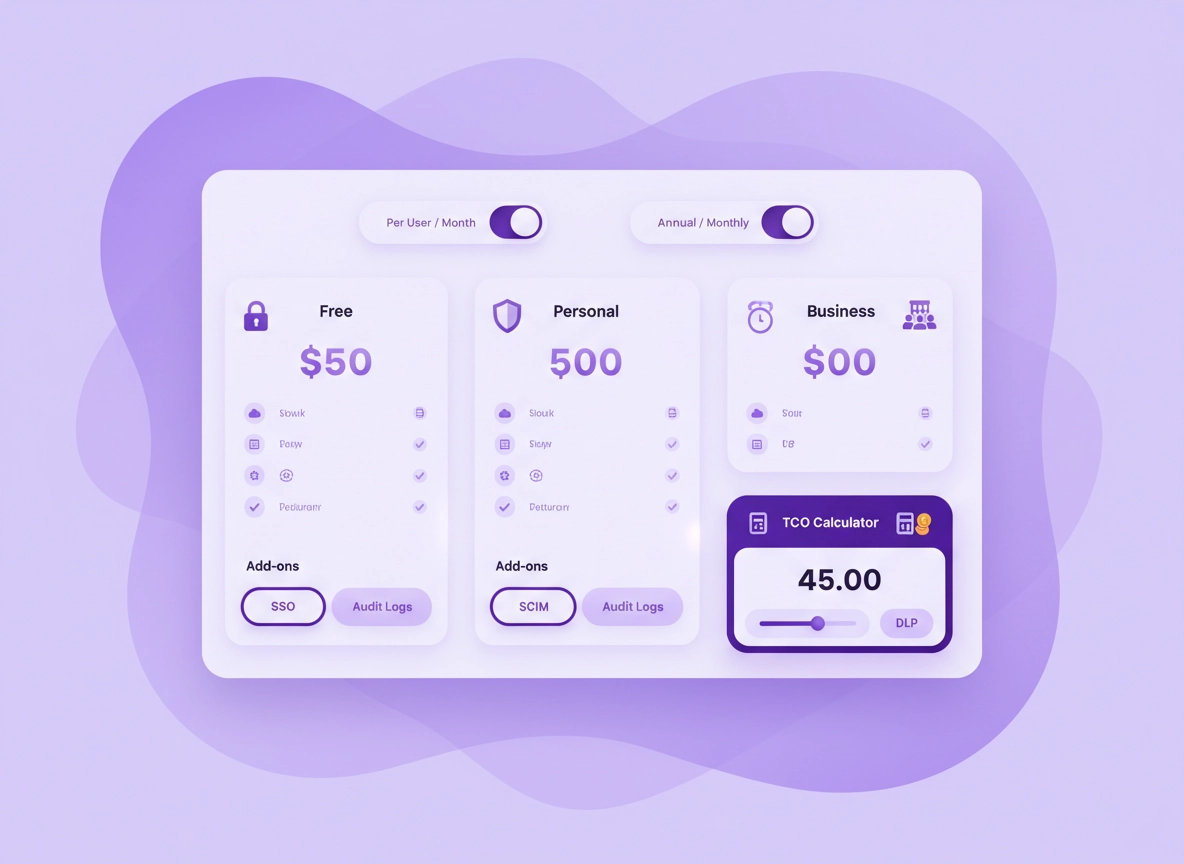
A password manager isn’t priced like a simple app download. Pricing is usually a bundle of three layers: (1) the plan tier (Free/Personal/Family/Business/Enterprise), (2) the billing model (per-user per-month, annual discount, minimum seats), and (3) the “security + admin” layer (SSO, SCIM provisioning, audit logs, policy controls, DLP, vault sharing rules). If you only compare the headline number, you’ll miss where the real cost shows up: add-ons, minimum seats, seat drift, renewals, and the time cost of managing access.
This guide gives you a procurement-style method to compare pricing without needing exact vendor prices (which change constantly). Instead, you’ll model cost using your requirements and map them to typical pricing patterns. That makes your decision stable: even if a vendor runs a promo, you’ll still know whether it’s a fit for your security needs and team reality.
If you’re deciding for Chrome specifically, remember that “browser convenience” can hide risk. Browser autofill is great—until you need: role-based sharing, device trust, offboarding controls, or proof for audits. Those needs often push you from personal pricing into business pricing, even for small teams.
Start here: If you want a general recommendation first, read Best Password Manager for Chrome, then come back to price and plan fitting.
Key terms (quick definitions) .
- Per-user pricing: You pay for each seat (often monthly), usually cheaper on annual billing.
- Minimum seats: A plan that requires a minimum number of users (common in business tiers).
- Add-on pricing: Extra modules like SSO, SCIM, advanced reporting, or DLP that increase TCO.
- SCIM provisioning: Automated user lifecycle management (create/disable users from a directory). Saves time, reduces risk.
- SSO: Login via an identity provider (IdP) like Google Workspace or Azure AD; often required for enterprise policy compliance.
- Audit logs: Records of access and administrative actions for investigations and compliance.
- TCO (total cost of ownership): Subscription cost + admin time + operational risk + onboarding/offboarding overhead.
The plan types you’ll actually compare .
Free Personal Family Business EnterprisePersonal pricing (individuals)
Best when one person needs strong vault security, easy autofill, multi-device sync, and recovery options. Price differences usually come from device limits, premium features (sharing, emergency access), and support level.
- Most common value driver: cross-device reliability + recovery options
- Hidden cost driver: paid features needed later (sharing, emergency access, attachments)
- Chrome-specific: extension quality and autofill behavior
Business pricing (teams)
Best when you need control over access: onboarding/offboarding, role-based permissions, policy enforcement, team vaults, and visibility. Price differences come from admin controls and identity integration.
- Most common value driver: admin + provisioning (SCIM) saves hours and reduces risk
- Hidden cost driver: minimum seats and “required” add-ons (SSO/logs)
- Chrome-specific: policy alignment with browser security setup
Related: For a practical risk/feature view, see Password Manager Security Features Comparison.
Before you start (your 5 inputs) .
The fastest way to compare pricing is to write down five inputs before you open any pricing page. This prevents “feature shopping” and keeps the decision anchored to reality.
- 1) User type: personal, family, small team, or enterprise
- 2) Seat count range: today + the next 12 months (expected hires/contractors)
- 3) Must-have controls: MFA, sharing, admin policies, SSO, SCIM, audit logs
- 4) Device reality: Windows/macOS/Android/iOS/ChromeOS mix, and how often users switch devices
- 5) Risk/compliance level: casual, business-critical, regulated (GDPR/HIPAA/SOC 2)
If you’re doing this for a team, you also need one more reality check: who will run the system? If nobody owns onboarding/offboarding and access review, you’ll pay either in time or risk. That’s exactly where business pricing earns its keep.
Related: If you’re choosing between personal and business tiers, read Password Manager Business vs Personal Plans.
Step-by-step: compare pricing in 10 minutes .
This is the quickest method I’ve found that stays accurate even when vendors run promos, change tiers, or rename features. You’ll create a neutral comparison that’s based on requirements and billing rules, not marketing.
- 1 Choose your plan category: Personal (1–2 people), Family, Business (teams), or Enterprise (SSO/SCIM/logs likely required).
- 2 Lock your billing view to per-user and compare monthly vs annual. Treat annual discounts as “nice to have,” not the baseline.
- 3 List your must-have features (not nice-to-have). If a feature is an add-on, mark it as “must price.”
- 4 Check for minimum seats, seat tiers, and seat drift rules (what happens when you go above your paid seats).
- 5 Identify the “security layer” features: SSO, SCIM, audit logs, device trust, policy controls. These frequently determine the real plan.
- 6 Add the operational costs: onboarding/offboarding time, password resets, support, and access reviews.
- 7 Calculate a simple TCO: (price × seats × 12) + admin hours value + risk cost proxy.
- 8 Validate in Chrome: install the extension and test autofill, new-login capture, and passkey support where relevant.
- 9 Confirm export/import and recovery path (you should be able to leave without panic).
- 10 Make the decision: choose the lowest-TCO plan that meets your security baseline and future seat range.
What “success” looks like: You end with a short list of 2–3 plans where every required control is priced in, seat rules are understood, and Chrome usability is verified. No surprises at renewal. No “we need to upgrade” after rollout.
Related: If you’re weighing “free vs paid,” don’t guess—use the feature tradeoff guide: Password Manager Free vs Paid Comparison.
Common variations .
- Windows / ChromeOS: Test autofill on both browser and desktop app flows if your users mix them.
- macOS: Validate browser extension permissions and system prompts (they affect adoption).
- Android / iPhone: Confirm mobile autofill integration—mobile friction can destroy perceived value.
Advanced: TCO, security add-ons, and procurement traps .
If you’re comparing plans for a business (even a small one), the “real” price is not the subscription alone. It’s the combination of subscription + admin time + avoided incidents + avoided downtime. That’s TCO. The biggest pricing differences appear when you need enterprise-grade controls: SSO/SCIM, audit logs, advanced policies, and integrations.
Related: For deeper cost modeling, see Password Manager Total Cost of Ownership and Password Manager ROI for Business.
How pricing models differ (and why it matters) .
| Pricing model | What it looks like | Where cost sneaks in | Best for |
|---|---|---|---|
| Per-user / per-month | Seats × monthly rate (often discounted annually) | Seat drift, minimum seats, renewals | Most businesses |
| Tier bundles | Feature sets locked to tiers | One missing control forces an upgrade | Clear requirements |
| Add-on modules | Base plan + paid modules (SSO/logs/DLP) | Add-ons become “required” later | Teams that scale |
| Enterprise quote | Custom pricing, contracts, terms | Long commitments, true-up clauses | Regulated / large orgs |
Typical feature breakpoints by plan type .
This isn’t vendor-specific—think of it as a map of where the industry usually draws pricing lines. If your “must-have” list crosses a breakpoint, plan pricing typically jumps.
| Feature | Free | Personal | Business | Enterprise |
|---|---|---|---|---|
| Unlimited devices | Sometimes limited | Usually yes | Yes | Yes |
| Secure sharing | Limited | Sometimes | Yes (team vaults) | Yes (advanced controls) |
| Emergency access / recovery | Rare | Common | Common | Common |
| Admin console | No | No | Yes | Yes |
| Policy enforcement | No | Minimal | Yes | Yes (granular) |
| Audit logs | No | No | Sometimes limited | Yes (complete) |
| SSO | No | No | Sometimes add-on | Common/required |
| SCIM provisioning | No | No | Sometimes | Common/required |
The “hidden costs” that change your winner .
Here are the costs that often swing a decision—especially when a plan looks cheap at first glance. If you account for these upfront, you’ll usually end up with fewer surprises and a lower long-term spend.
- Minimum seats: Paying for 10 seats when you have 6 users is common in business tiers. That can be fine—if it avoids costly gaps like manual offboarding.
- Seat drift and true-ups: Some plans bill overages at renewal or trigger mid-cycle adjustments. Track hires/contractors to avoid “oops” upgrades.
- Feature gating: One missing control (SSO, logs, SCIM) can force a tier jump. Price as if you’ll need it within 12 months if you’re scaling.
- Admin time: Manual onboarding/offboarding is not free. Multiply minutes per user by the number of events per month. It adds up quickly.
- Incident cost proxy: A compromised shared password, slow offboarding, or no logs during an investigation can cost more than the annual license difference.
- Migration and training: Switching later costs time and trust. It’s usually cheaper to choose the right plan early.
Simple TCO calculator (copyable) .
Use this quick model. It’s intentionally simple—you don’t need perfect math, you need correct direction.
- Subscription: (price per seat × seats × 12) – annual discount if applicable
- Admin time: (onboarding/offboarding events per month × minutes each × admin hourly rate)
- Support time: (resets per month × minutes × rate)
- Risk cost proxy: pick a conservative number for “one preventable incident per year”
If Plan A is $X cheaper but increases admin time or risk significantly, Plan B may be the real “cheapest.”
Common alternatives users compare .
Security notes that change pricing (and risk) .
Pricing and security are tied together because stronger controls cost more to build and support. If you need those controls, paying for them is usually cheaper than paying for the consequences of not having them. The goal is not “buy the most expensive plan.” It’s “pay for the controls that reduce your real risk.”
Impact: Pricing changes when you require SSO/SCIM/audit logs, policy enforcement, and advanced sharing controls.
Related: If you’re evaluating safety and tradeoffs, read Are Password Managers Safe for Chrome? and Password Manager Encryption Explained.
Recommended baseline settings .
- Option A (balanced): Personal plan with MFA enabled, secure sharing (if needed), and tested recovery path.
- Option B (maximum security): Business/Enterprise with SSO (if available), enforced MFA, device trust, and audit logs.
- Option C (compatibility): Plan that supports your device mix and has reliable Chrome extension autofill without breaking multi-profile workflows.
Recommended plan choices by goal .
| Goal | Recommended plan direction | Tradeoff | Best for |
|---|---|---|---|
| Lowest friction | Personal (multi-device + strong autofill) | Fewer admin controls | Individuals |
| Secure sharing | Family (household) or Business (team vaults) | Costs more than “solo” plans | Families + teams |
| Compliance-ready | Business/Enterprise with logs + policies | Higher subscription cost | Regulated industries |
| Fast scaling | Business/Enterprise with SCIM | May require higher tier | Startups + growing teams |
Troubleshooting: common pricing “gotchas” .
Related: If Chrome’s built-in manager is part of your comparison, see Chrome Built-in Password Manager Review and Chrome Password Manager Limitations.
If the “cheap plan” doesn’t include sharing controls .
Sharing is where personal plans often break down for teams. If you need shared vaults, permission levels, and visibility into who accessed what, you’re typically looking at business tiers. Fix: decide whether you’re sharing occasionally (personal/family may work) or operationally (business required). For operational sharing, price the business plan from the start.
If SSO/SCIM is “optional” but you actually need it .
In many organizations, SSO and provisioning become non-negotiable once you have audits, offboarding risk, or centralized identity policies. Fix: treat SSO/SCIM as must-have if you have contractor churn, regulated data, or formal access reviews. Then compare only the tiers that include it.
If minimum seats make the business plan look expensive .
Minimum seats feel painful at 3–8 users. But the alternative is often “DIY admin,” which costs time and increases risk. Fix: calculate admin time (onboarding/offboarding + resets) and compare it to the cost difference. If the business plan saves even a few hours monthly, it can be cheaper overall.
If renewal pricing and contracts feel confusing .
Enterprise and some business tiers involve contracts, true-ups, and renewal behavior that is not obvious on day one. Fix: capture these details before rollout: term length, cancellation conditions, how overages are billed, and what happens when you reduce seats. If you can’t get a clear answer, treat it as a risk cost.
If you need to reset or migrate safely .
A password manager choice should never trap you. Fix: ensure export/import is possible and practice a small migration test. If you’re leaving Chrome’s manager, use a safe export process and secure the exported file immediately. Guide: Export Passwords from Chrome Securely and Migrate from Chrome Password Manager to Third-Party.
FAQ .
-
helpWhat’s the best way to compare password manager pricing?Start with your required features and plan type (personal vs business), then compare billing rules (monthly vs annual, minimum seats) and add-ons (SSO/SCIM/audit logs). Finish by testing Chrome autofill and multi-device behavior—usability issues create hidden costs.
-
helpIs a free password manager “good enough”?For low-risk personal use, a reputable free plan can work if it supports your devices and you enable MFA. But free plans often limit sharing, advanced recovery, or multi-device sync. If you need reliable cross-device use, secure sharing, or business controls, compare paid tiers early.
-
helpWhy do business plans cost so much more than personal plans?Business plans price in admin control and auditability: shared vault permissions, offboarding, policy enforcement, SSO/SCIM integration, and audit logs. Those features reduce operational risk and time cost, which is why the plan jump can be worth it for teams.
-
helpShould I choose monthly or annual billing?Monthly is flexible while you evaluate fit; annual is usually cheaper once you’re confident. For teams, confirm renewal terms, minimum seats, and seat adjustments first. If you expect growth, ensure the annual plan handles new seats cleanly without surprises.
Sources & further reading .
- Google Chrome Help: Manage passwords in Chrome
- Google Account Help: 2-Step Verification
- OWASP: Security best-practice background (risk context)
Disclosure: Some pages may mention tools or services. Recommendations are editorial and based on practical evaluation, not vendor claims.